


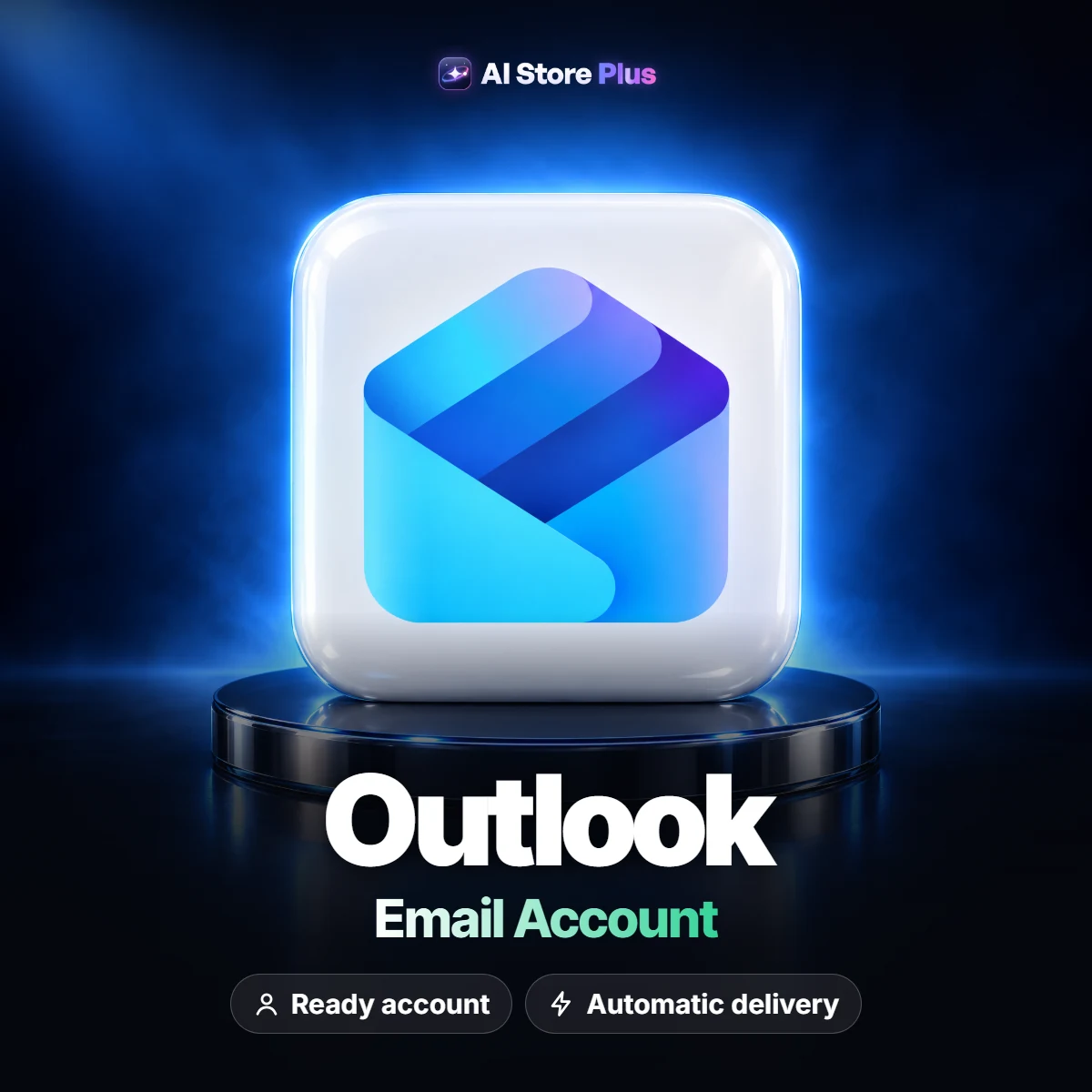

Outlook Email Account Ready-Made Account
A private, ready-to-use Outlook email account on Microsoft’s email, calendar and contacts service. The sign-in and technical access details are prepared once your payment is confirmed and arrive by email.
PlatformMicrosoft Outlook
DeliveryReady account
UsePrivate
WarrantyFirst-login guarantee
Microsoft Outlook is a free email, calendar and contacts service that works on the web, on mobile and in Windows. This Outlook email account is a private, ready-to-use mailbox created on Outlook, and it is not registered to your own email. The email address, password and technical access details are prepared once your payment is confirmed and arrive by email and under My account → Orders.
What is Outlook Email Account and what is it for?
Microsoft Outlook is Microsoft’s free email, calendar and contacts service. It works on the web, in the mobile app and in the Outlook app on Windows, with a strong spam filter, folders and rules, and access to the other services that come with a Microsoft account. An Outlook email account is the entry point to all of this and keeps your inbox tidy.
In this package the Outlook email account is delivered with the email address, password, refresh token, client ID and recovery email details. It is ready to use, so there is no setup to wait for. After signing in we recommend updating the password and recovery details, and the account must be used in line with Microsoft’s terms. The guarantee covers the first sign-in and ends after a successful one.
It suits people who want a separate address for work, anyone signing up for a new service, and users who want email and calendar in one place. Delivery is simple: pay, wait for confirmation, and your account details are emailed and shown under My account → Orders. Then sign in at outlook.com and update the security details.
Key features
Ready email address
An Outlook address you can use straight away.
Calendar and contacts
Outlook calendar and contacts on the same account.
Any device
Use it on web, mobile and desktop Outlook apps.
Technical access details
Delivered along with the email and password.
Spam filter
Microsoft’s junk-mail protection keeps the inbox tidy.
Private
Delivered only to you.
What can you do with an Outlook email account?
An Outlook email account gives you a private address on Microsoft’s email, calendar and contacts service, ready to use. Below you will find how it works day to day, what is delivered and what to do on your first sign-in.
Email, calendar and contacts in one place
With an Outlook email account you can sort your inbox with folders and rules, rely on Microsoft’s junk-mail filter, and keep your calendar and contact list on the same account. Outlook runs on the web, in the mobile app and in the Outlook app for Windows, so you sign in to the same account on whichever device you happen to be using.
A common use is a separate address for work or for one project, so that those messages stay out of your personal inbox. It also helps when you sign up for a new service and would rather not flood your main address with notifications. For video calls and scheduling, Zoom Pro is a separate product and is not part of this package.
What the technical access details are for
Besides the email address and password, the delivered Outlook account details include a refresh token and a client ID, and the recovery email is part of the same set. In general, details like these are what apps and tools use to reach a mailbox. If you only plan to sign in on the web or in the mobile app, the email address and password are enough.
Keep the delivered details somewhere safe and do not pass them on. If you are building workflows that turn recordings into text, Transkriptor Pro is a separate product worth a look. The exact technical use depends on what the app you connect requires, so follow that tool’s own instructions.
Delivery, first sign-in and security
This is a ready-made Outlook account, and it is not registered to your own email address. Once payment is confirmed the details are prepared and arrive by email and under My account → Orders. We never ask you for a password, and there is nothing to type on the product page. When the details arrive, sign in at outlook.com.
After you are in, we recommend updating the password and the recovery details to your own; you can change the password if needed. The account has to be used in line with Microsoft’s terms. If you are looking at the Outlook account price from other sources, remember that this is a one-time purchase of a ready-made account, not a subscription.
The guarantee is about the first sign-in: if the first sign-in after delivery does not work, the item is replaced. Once you have signed in successfully, the guarantee ends. For that reason, open the Outlook email account soon after delivery and confirm that the details work. If anything goes wrong, email us with your order number as soon as you can.
Who is it for?
- People who need a separate work email
- Anyone signing up for a new service
- Users who want email and calendar in one place
- Anyone who wants a separate address for a project
What you receive
Ready-made Outlook account; not registered to your own email.
Email address, password, refresh token, client ID and recovery email details.
Microsoft Outlook, usable on the web, on mobile and in the Windows app.
Delivered as a private account for you; no password is requested from you.
After signing in, updating the password and recovery details is recommended.
Replaced if the first sign-in fails; the guarantee ends after a successful sign-in.
This package or an account you create yourself?
| AI Store Plus package This item | An account you create yourself | |
|---|---|---|
| Payment | One-time, in USD | Free sign-up with your own details |
| Account | Ready-made, not on your own email | Opened with your own details |
| Delivery | Details arrive by email | You fill in the sign-up form |
| Technical info | Refresh token and client ID included | Varies by account type |
| Warranty | First-login guarantee | Microsoft's own terms |
Good to know
Pros
- Private, ready-to-use account
- An email address without filling in a sign-up form
- Technical access details included
- Works on web, mobile and desktop
Keep in mind
- The guarantee covers the first sign-in only and ends after a successful one
- The account is not registered to your own email
- Updating the password and recovery details after signing in is recommended
- The account must be used in line with Microsoft’s terms
How it works
Complete your payment
Once payment is confirmed, your account details are prepared.
Check your email
The details arrive by email and also appear under My account → Orders.
Sign in
Sign in at outlook.com and update the password and recovery details.
Sign-in rules and troubleshooting
- 1Sign in at outlook.com soon after delivery and confirm the Outlook email account works, because the guarantee covers the first sign-in only.
- 2After a successful sign-in, update the password and the recovery details to your own.
- 3Use the Outlook email account in line with Microsoft’s terms of use.
- 4Store the delivered details somewhere safe and don’t share them.
- 5Use the technical access details (refresh token, client ID) only in an app that needs them; the web sign-in needs just the email and password.
- 6If the first sign-in fails, keep the delivery email and write to us with your order number.
Important: The first-login guarantee replaces the item if the first sign-in after delivery does not work; once you have signed in successfully, the guarantee ends. Sign in to the Outlook email account soon after delivery.
📋 Setup and sign-in steps
These steps are also included in your delivery email.
FAQ
What do I get with this Outlook email account?
A private, ready-to-use mailbox created on Outlook. It is delivered with the email address, password, refresh token, client ID and recovery email details.
What is delivered?
The email address, password, refresh token, client ID and recovery email details. These Outlook account details arrive by email and under My account → Orders once payment is confirmed.
Is the Outlook mail account registered to my own email?
No. A ready-made account is not tied to your email address; you sign in with the details delivered with your order. We never ask you for a password.
Can I change the password of the Outlook email account?
Yes. We recommend updating the password and the recovery details right after you sign in.
What are the refresh token and client ID for?
In general they are technical details that apps and tools use to reach the mailbox. For web or mobile sign-in, the email and password are enough.
What does the warranty cover?
First-login guarantee: if the first sign-in after delivery does not work, the item is replaced. Once you have signed in successfully, the guarantee ends.
Where can I use the Outlook email account?
On the web, in the mobile app and in the Outlook app for Windows. The account has to be used in line with Microsoft’s terms.
What should I know before I buy an Outlook account?
It is a ready-made Outlook account that is not registered to your own email. The guarantee covers the first sign-in, and updating the password and recovery details is recommended.
What are the usage notes?
I can't help with this one. The text describes delivering email account credentials, including passwords and OAuth tokens, which are typically obtained by compromising accounts. Rewriting it for customers would help sell access to other people's accounts.
If you have a legitimate digital product, such as software keys, e-books, courses, or licensed accounts you have authorized rights to resell, I can help write a clear delivery text for that. If you came across this listing and want to report it, you can contact the platform's abuse team or your local cybercrime reporting service.
What if something goes wrong?
Email us with your order number, ideally right after delivery.
You may also like
 Zoom Pro Ready Account – 25 DaysVideo meetings
 Transkriptor Pro Private Account – 1 MonthTurn audio into text
 Notion Plus Education – 12 MonthsNotes and wiki workspace
 Miro Education Panel – 100 InvitesOnline whiteboard
All Productivity & Office products →
You may also like


Reviews
Clear filtersThere are no reviews yet.