





Miro Education Panel 100 Invites Ready Account
Bring lessons and group work onto Miro’s interactive whiteboard. The Miro Education Panel is a ready-made account that lets you invite up to 100 participants, with details sent by email.
InvitesUp to 100 participants
DeliveryReady account by email
PlanEducation (teacher)
WarrantyFirst-login guarantee
Miro is an online whiteboard where teams and classes work together on an endless canvas. This Miro Education Panel package is a ready-made account on Miro’s education (teacher) plan with invites for up to 100 participants, and it is not registered to your own email. It is prepared once your payment is confirmed, and the access details arrive by email and under My account → Orders. We never ask for your password.
What is Miro Education Panel and what is it for?
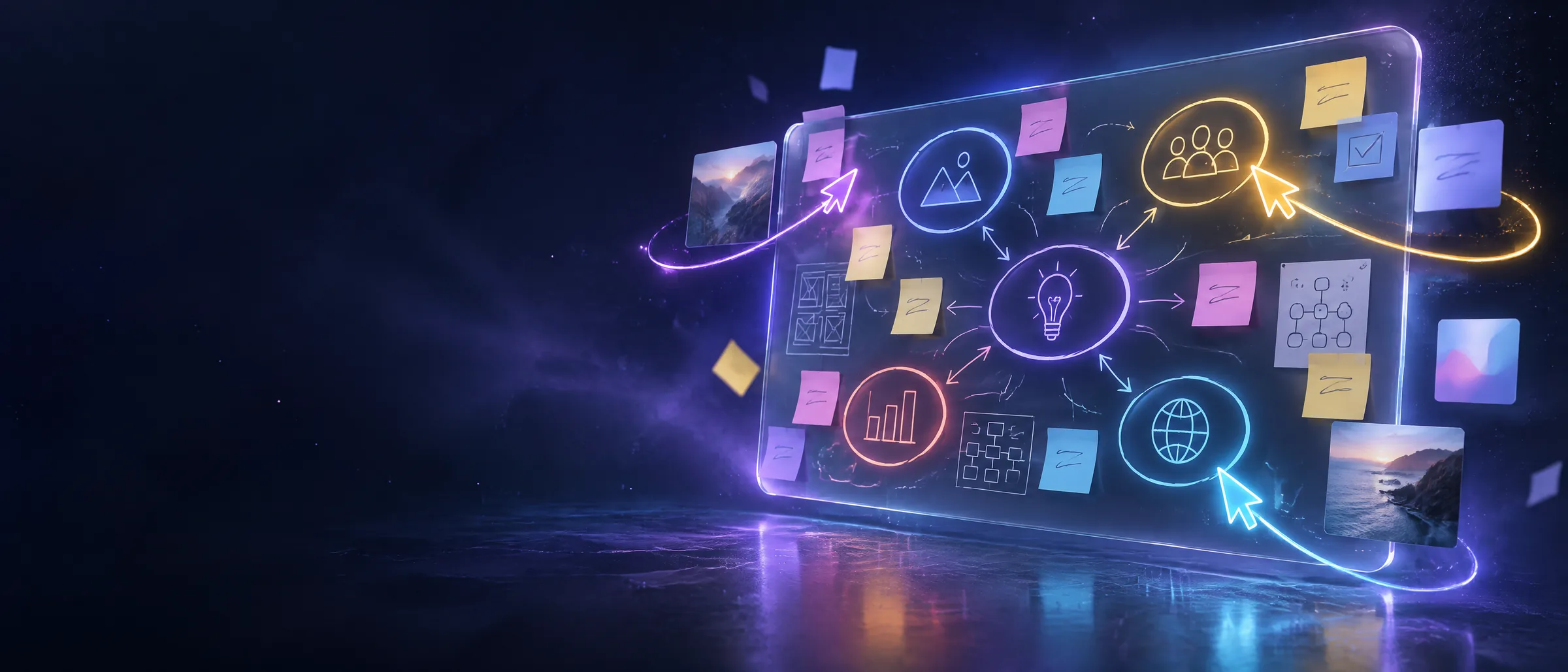
Miro is an online whiteboard where you work together with sticky notes, shapes, drawings, diagrams and mind maps. Everyone can edit the same board at once and leave comments. It runs in the browser, as a desktop app and on tablets and phones, so a lesson can carry on in class or remotely on the same board. The Miro Education Panel adapts this experience for teachers and trainers.
The Miro Education Panel gives you the education (teacher) plan for lessons, activities, group projects, concept maps and lesson planning, with real-time work and invites for up to 100 participants. There is no set end date, but that depends on Miro’s education policies and is not a fixed-term commitment. The licence is meant for education, and commercial use may breach its terms.
It suits teachers, school leaders, university lecturers, tutors and student societies. The account is delivered ready to use: once payment is confirmed, the details arrive by email and under My account → Orders. You follow the instructions, sign in, open your first board and invite participants. Nothing extra needs to be set up before you can start with the Miro Education Panel.
Key features
Endless whiteboard
Notes, drawings and shapes on a wide canvas.
Invite 100 participants
Bring students onto your boards.
Real-time collaboration
Everyone edits the same board at once.
Diagrams and templates
Start with mind maps and lesson templates.
Lessons and activities
For teaching, group activities and projects.
Access anywhere
Browser, desktop app, tablet and phone.
What can you do with the Miro Education Panel?
The Miro Education Panel lets you run lessons, group work and brainstorms on an interactive online whiteboard and invite up to 100 participants. Here is how a typical class workflow looks and what to know about the package.
Run the lesson on a shared board
When you open a board in Miro you get a wide canvas to fill with sticky notes, shapes, drawings, diagrams and mind maps. Everyone invited can edit the same board at once and leave comments. With the Miro Education Panel you can keep an in-class activity and a remote lesson on one and the same board.
Prepare the board before class: one area for the topic summary, one for group tasks and one open space for what students will add. Mind-map and lesson templates help you start quickly. If you also run the class by video, a separate tool such as Zoom Pro can do that; it is a different product and is not part of this package.
The education plan and 100 invites
This package is a ready-made account on Miro’s education (teacher) plan. On it you can send invites to as many as 100 participants and bring students or teaching colleagues onto your boards. Invited people edit the board alongside you; details and eligibility follow Miro’s current policies.
If you also want a place for written notes and course material, Notion Plus Education is a separate option that pairs well with visual boards. You can split a class into small groups and give each its own board, but keep in mind that your total invite allowance stays at 100 participants.
Term, education use and delivery
The package is a one-time purchase, not a subscription, with no renewal fees. It has no set end date, but only for as long as Miro’s education policies allow, so no fixed term is promised. The licence is for education; using it for company or client work may breach Miro’s education terms.
The account is not registered to your own email. It is prepared once your payment is confirmed, and the access details and instructions arrive by email and under My account → Orders. We never ask you for a password. Follow the instructions that come with the delivery, sign in and create your first board. The guarantee covers the first sign-in only. To turn recorded lessons into text, Transkriptor Pro is worth a look.
Who is it for?
- Teachers and school leaders
- University lecturers and teaching assistants
- Tutors and course centres
- Study groups and student societies
What you receive
Ready-made account on Miro’s education (teacher) plan.
Invite up to 100 participants.
No set end date; depends on Miro’s education policies, not a fixed term.
Access details and instructions arrive by email and under My account → Orders.
For education; commercial use may breach the terms.
If the first sign-in fails, it is replaced; ends after a successful sign-in.
This package or an official subscription?
| AI Store Plus package This item | Subscription from Miro | |
|---|---|---|
| Payment | One-time, in USD | Usually a monthly or yearly subscription |
| Account | Ready account, not on your email | Registered to your own email |
| Duration | No set end date (Miro's policies apply) | Renews monthly or yearly |
| Participants | Invite up to 100 | Depends on your plan |
| Use | For education | Commercial use depends on plan |
| Warranty | First-login guarantee | The brand's own refund terms |
Good to know
Pros
- Invite up to 100 participants
- One-time payment, no renewal fees
- Real-time collaboration on any device
Keep in mind
- This is an education licence; commercial use may breach its terms
- The open-ended term depends on Miro’s education policies; no fixed term is promised
- Invites are limited to 100 participants
- The guarantee covers the first sign-in only; the account is not on your email
How it works
Complete your payment
Once confirmed, the details are prepared and sent to your email and My account → Orders.
Sign in to Miro
Follow the instructions to sign in and create your first board.
Invite participants
Invite your students to your boards, up to 100 people.
Sign-in rules and troubleshooting
- 1Sign in once the delivery arrives and check the plan and the invite allowance; the guarantee covers the first sign-in only.
- 2The account is not registered to your own email; follow the instructions delivered with the order. We never ask for your password.
- 3Use the plan for education only; company or client work may breach its terms.
- 4The invite allowance is 100 participants; for large classes, plan how you group people across boards.
- 5Keep the delivery email; the same details are under My account → Orders.
- 6If something does not work, email us with your order number.
Important: This is an education licence; commercial use may breach Miro’s education terms. There is no set end date, but only while Miro’s education policies apply. First-login guarantee: if the first sign-in fails, the item is replaced; it ends after a successful sign-in.
FAQ
What do I get with the Miro Education Panel?
A ready-made account on Miro’s education (teacher) plan with invites for up to 100 participants. The details arrive by email and under My account → Orders.
When is the account delivered?
It is prepared once your payment is confirmed; the access details and instructions arrive by email and under My account → Orders.
What does no set end date mean?
The account is not tied to an expiry date. If Miro changes its education policies, access may be affected, so we do not promise a fixed term.
How many people can I invite?
Up to 100 participants; they join your boards and work together with you.
Can I use it for commercial work?
This plan is for education; company or client work may breach its terms.
Is the account registered to my own email?
No. It is a ready-made account that is not registered to your email. We never ask you for a password.
What does the warranty cover?
First-login guarantee: if the first sign-in after delivery does not work, the item is replaced. Once you have signed in successfully, the guarantee ends.
How is this different from a Miro subscription?
An official plan renews monthly or yearly and is priced per user. This package is a one-time purchase of an education account.
Why does the Miro Education Panel price differ from a normal plan?
It is a one-time, education-only package with no renewal, so the terms of use and the open-ended term conditions apply instead.
What are the usage notes?
Turn your classroom into an interactive digital workspace with Miro, the powerful online whiteboard and collaboration platform.
✨ WHAT YOU GET
• 🎓 Miro Educational / Teacher Plan
• 👨🏫 Designed for teachers and educational use
• 👥 Up to 100 Invites
• 💻 Access your workspace online
• 🤝 Collaborate with students and team members
• 🧩 Create interactive boards, lessons, diagrams and activities
• 📚 Perfect for online classes, teaching, workshops and educational projects
🔥 KEY BENEFITS
• Interactive whiteboards for engaging lessons
• Real-time collaboration
• Share boards with students and participants
• Organize lessons, ideas, projects and activities in one workspace
• Access your boards from anywhere
📌 IDEAL FOR
• Teachers
• Schools and Educational Institutions
• Online Instructors
• Tutors
• Trainers
• Students and Study Groups
• Educational Projects
👥 100 INVITES
Invite up to 100 participants to collaborate and work with you on your Miro workspace.
⚡️ ACTIVATION
After payment, you will receive the required details and instructions to activate and access your Miro Educational Teacher Plan.
⚠️ IMPORTANT
• This product is intended for educational use.
• Features and eligibility are subject to Miro's current policies and platform availability.
• Please make sure you understand the product details before purchasing.
What if something goes wrong?
Email us with your order number and a short description of the issue.
You may also like
 Notion Plus Education – 12 MonthsNotes and course material
 Zoom Pro Ready Account – 25 DaysVideo lessons and meetings
 Transkriptor Pro Private Account – 1 MonthTurn recordings into text
 Gamma Ultra – 35,000 Credits, 1 MonthSlides and documents
All Productivity & Office products →
You may also like



Reviews
Clear filtersThere are no reviews yet.