


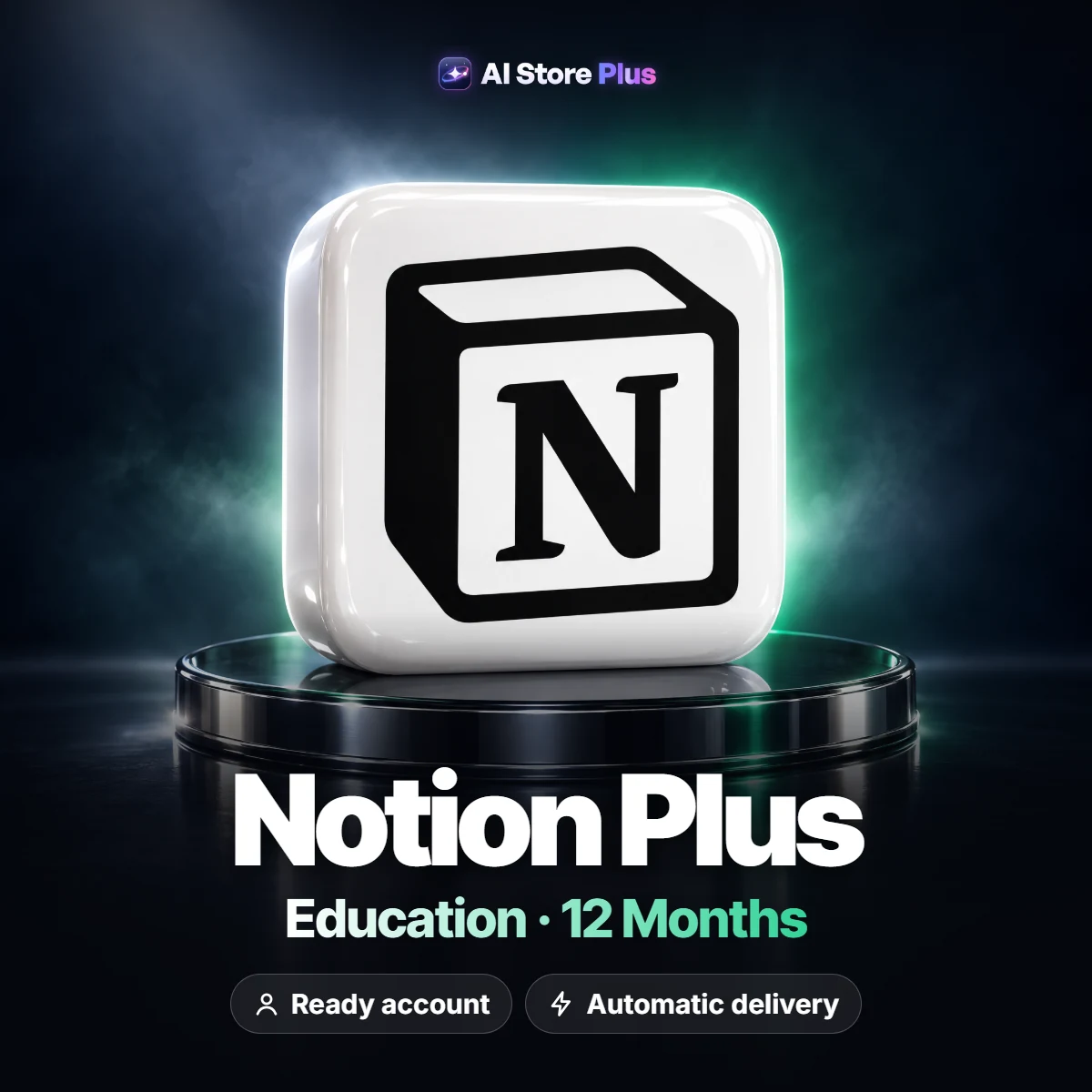


Notion Plus Education 12 Months Ready Account
Bring your notes, tasks and projects together with Notion Plus Education. The education Plus plan is delivered as a ready account for 12 months; the login details arrive by email once your payment is confirmed.
Duration12 months
DeliveryReady account
PlanPlus (Education)
WarrantyFirst-login guarantee
Notion is a productivity app that combines notes, wikis, to-do lists, project tracking and databases in one workspace. This package is a ready-made Notion Plus Education account usable for 12 months, delivered with its linked Outlook email and not registered to your own email. Prepared once your payment is confirmed; the details arrive by email and under My account → Orders.
What is Notion Plus Education and what is it for?
Notion is a flexible workspace that brings notes, wikis, task lists, project tracking and databases into one place. You assemble pages from blocks and organise everything from lecture notes to team roadmaps together, synced across web, desktop and mobile. The Plus plan unlocks paid features such as more generous blocks, file uploads and page history compared with the free version.
Notion Plus Education is a ready-made account on Notion’s education Plus plan, valid for 12 months. It is delivered with its linked Outlook email, and you can change the account email to your own address. The reach of the AI features follows Notion’s current plan terms. This is a one-time payment for 12 months of use, not a recurring subscription.
Notion Plus Education suits students organising lecture notes, researchers and thesis writers, teams managing projects and anyone who wants to improve personal productivity. After your payment you sign in to outlook.com first with the details from your email, then use the same details to sign in to Notion, and finally refresh the password and recovery information.
Key features
Notes and docs
Rich pages built from blocks, with tables, images and files.
Databases
Table, board, calendar and list views for structured tracking.
Tasks and projects
Kanban boards and to-do lists for any project.
Sharing
Share pages with others and edit them together.
Every device
Sync across web, desktop and mobile.
Email can be changed
Move the account to your own email address.
What can you do with Notion Plus Education?
Notion Plus Education brings notes, tasks and projects into one workspace. With this package you get a ready-made account on the education Plus plan for 12 months; here is how daily use and sign-in work.
One workspace for notes, tasks and projects
In Notion you build pages from blocks: text, headings, tables, images, files and to-do lists sit side by side on the same page. Lecture notes, thesis sources and a team roadmap can all live in one structure, which is why Notion Plus Education cuts down on switching between apps.
Database views let you look at the same information as a table, a board, a calendar or a list. You might track your exam dates in a calendar and your assignments on a Kanban board. Everything syncs across the web, desktop and mobile apps.
The Plus plan and the education tier
The Plus plan opens paid features such as more generous blocks, file uploads and page history compared with the free tier. The account in this package is on Notion’s education Plus plan and can be used for 12 months, so Notion Plus Education is a natural fit for students and researchers.
How far the AI features go depends on Notion’s current plan terms; this package makes no separate promise about credits or quotas. The Notion Business products in our store are different packages, while this one is the education Plus plan.
You can export pages as Markdown, HTML or PDF whenever you want to move your work elsewhere.
Signing in and securing the ready account
This is a ready-made account: the email and password are delivered to you, and the account is not registered to your own email. It is prepared once your payment is confirmed; the details arrive by email and under My account → Orders. For the first sign-in, go to outlook.com with the details you received, then use the same details to sign in to Notion.
Notion may send a verification code at sign-in, and that code arrives at the linked Outlook address, which is why Outlook comes first. After signing in, update the account security, meaning the password and recovery details. You may also change the account email to your own address. For PDF work alongside your notes, see iLovePDF Premium.
The guarantee is simple: if the first sign-in after delivery does not work, the item is replaced; once a sign-in succeeds, the guarantee ends. So test the account soon after delivery.
Who is it for?
- Students organising lecture notes
- Researchers and thesis writers
- Teams managing projects
- Anyone improving personal productivity
What you receive
A Notion Plus Education account usable for 12 months.
Ready account: the email and password are delivered to you.
The account comes with its linked Outlook email.
You can change the account email to your own address.
Notion Plus on the education tier.
If the first sign-in fails, the item is replaced; it ends after a successful sign-in.
This package or an official subscription?
| AI Store Plus package This item | Subscription from Notion | |
|---|---|---|
| Payment | One-time, in USD | Usually a monthly or yearly subscription |
| Duration | 12 months | Renews until cancelled |
| Account | Ready account, email can be changed | Your own account |
| Plan | Plus (Education) | Plus |
| Guarantee | First-login guarantee | Notion's own terms |
Good to know
Pros
- Move the account email to your own address
- One payment for 12 months
- Delivered with the linked Outlook email
- Education tier of the Plus plan
Keep in mind
- For the first sign-in, go to outlook.com first
- You need to refresh the account security (password, recovery) after signing in
- The plan is an education plan and the account is not registered to your email
- First-login guarantee: the item is replaced if the first sign-in fails; the guarantee ends after a successful sign-in
How it works
Complete your payment
Prepared once your payment is confirmed; the details arrive by email and under My account → Orders.
Sign in to Outlook first
Sign in at outlook.com with the email and password you received.
Sign in to Notion
Use the same details to sign in to Notion, then refresh the account security.
Sign-in rules and troubleshooting
- 1Sign in to outlook.com first with the details you received, then use the same details to sign in to Notion.
- 2Notion’s verification code arrives at the linked Outlook address, so keep that mailbox open while you sign in.
- 3After signing in, update the account security: refresh the password and recovery details.
- 4If you like, change the account email to your own address; email changes are allowed.
- 5Try the first sign-in soon after delivery, because the guarantee covers only first sign-in problems.
- 6Keep the delivery email and write to us with your order number if anything goes wrong.
Important: For the first sign-in, go to outlook.com first, then use the same details to sign in to Notion, and refresh the account security afterwards. First-login guarantee: if the first sign-in after delivery does not work, the item is replaced; after a successful sign-in the guarantee ends.
FAQ
What exactly is included with Notion Plus Education?
A ready-made account on the education Plus plan, usable for 12 months. It is prepared once your payment is confirmed; the details arrive by email and under My account → Orders.
Can I change the email?
Yes, email changes are allowed. We also suggest refreshing the password and recovery details after signing in.
Why sign in to Outlook first?
Notion may send a verification code at sign-in; it arrives at this Outlook address.
Are Notion AI features included?
This is the Plus (Education) plan; the scope of AI features follows Notion’s current plan terms.
Can I export my data?
Yes, Notion pages can be exported as Markdown, HTML or PDF.
How does this differ from Notion Business?
This package is the education Plus plan delivered as a ready account. The Notion Business products in our store are separate packages.
Is the account registered to my own email?
No. The ready account comes with its linked Outlook email, but you can change the account email to your own address.
What does the warranty cover?
First-login guarantee: if the first sign-in after delivery does not work, the item is replaced. Once you have signed in successfully, the guarantee ends.
What are the usage notes?
✅ Account login details (email:password) provided
✅ This is a Notion Education Plus account
✅ Changing the email address is allowed
✅ 12-month duration
✅ Please reset your account security settings after logging in
✅ To log in, first go to outlook.com and sign in there with the same email:password, then sign in to Notion with the same email:password as well
What if something goes wrong?
Email us with your order number. We suggest trying the first sign-in soon after delivery.
You may also like
 Outlook Email AccountOutlook email account
 Miro Education Panel – 100 InvitesShared boards for education
 iLovePDF Premium – 1 YearPDF tools
 Gamma Ultra – 35,000 Credits, 1 MonthPresentations and docs
All Productivity & Office products →
You may also like






Reviews
Clear filtersThere are no reviews yet.