


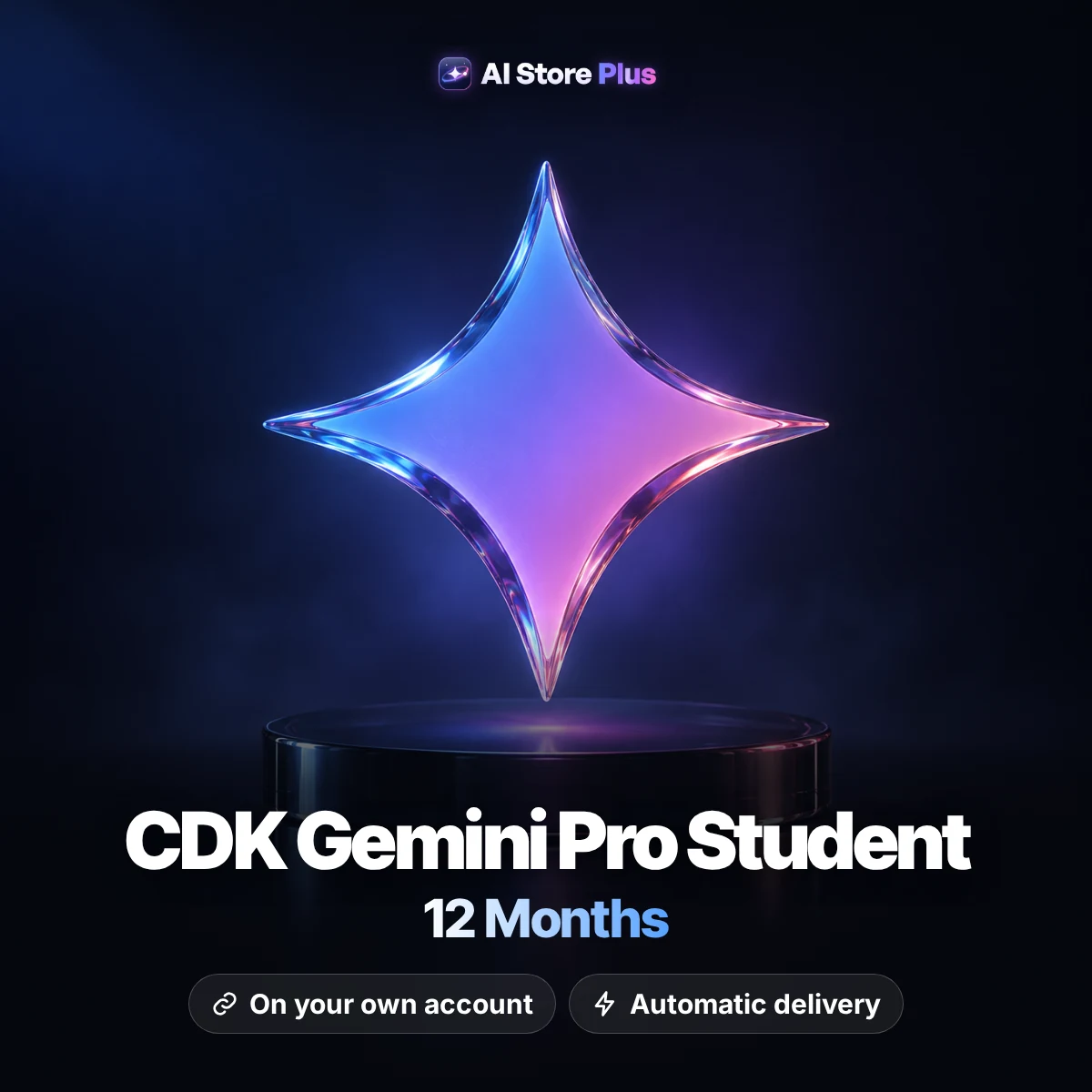



CDK Gemini Pro Student 12 Months Activation Link
CDK Gemini Pro Student lets you activate the 12-month Google AI Pro student offer on your own Google account, with Gemini Pro models, 5 TB of storage and Deep Research included. Prepared once your payment is confirmed; the details arrive by email and under My account → Orders.
Duration12 months
DeliveryActivation link + CDK
PlanGoogle AI Pro
WarrantyFirst-activation guarantee
Google AI Pro is Google’s paid AI plan: it combines Gemini’s advanced models, generous cloud storage and research tools under one membership. CDK Gemini Pro Student is a CDK code with activation details for the plan’s 12-month student offer. No ready-made account is handed over; you activate it on your own Google account. The CDK is used for a SheerID student verification request, and once it is approved you finish activation on Google One. Details arrive by email and under My account → Orders after payment is confirmed.
What is CDK Gemini Pro Student and what is it for?
Gemini is Google’s AI assistant. It drafts and summarises text, answers questions, analyses images and helps with code, and it runs inside the Gemini app as well as in Google Antigravity. Google AI Pro adds Gemini Pro models, Deep Research, Gemini NotebookLM and 5 TB of cloud storage shared across Google Drive, Gmail and Photos. CDK Gemini Pro Student is the package that opens the student version of this plan for 12 months.
With CDK Gemini Pro Student you get the 12-month Google AI Pro benefits: Gemini Pro models, expanded AI coding tools in Google Antigravity, Deep Research and NotebookLM, 5 TB of storage, a family group of up to 5 members and 1,000 Google Flow credits each month. If you are checking the Gemini Pro Student price, note that it is not an account hand-over: the CDK only starts the student verification, and the offer has conditions around VPN, payment profile and existing plans.
CDK Gemini Pro Student suits students and learners who want Gemini Pro on their own Google account, developers who like AI help with code, and anyone who needs a lot of cloud storage. After payment is confirmed, the activation details are prepared and sent by email and shown under My account → Orders. You then submit your CDK and SheerID link on the verification portal and finish activation on Google One once approved. Looking to buy Gemini Pro Student? Read the requirements first.
Key features
Gemini Pro models
Use Gemini Pro models in the Gemini app and Google Antigravity.
AI coding in Antigravity
Get expanded AI coding tools inside Google Antigravity.
Deep Research
Run in-depth research and keep your sources in Gemini NotebookLM.
5 TB cloud storage
Use 5 TB of storage across Google Drive, Gmail and Photos.
Family group sharing
Share plan benefits with a family group of up to 5 members.
1,000 Flow credits
Use 1,000 Google Flow credits every month for creative work.
What can you do with CDK Gemini Pro Student?
CDK Gemini Pro Student opens the 12-month Google AI Pro student offer on your own Google account. Below you will find how Gemini fits into daily work, what the plan adds, and how the activation steps work.
Research and writing with Gemini
Open the Gemini app, describe your task and Gemini Pro models help you draft, summarise long documents and structure ideas. For an essay outline, a study guide or a report summary, state the goal and your sources first, then refine the output step by step. With CDK Gemini Pro Student these models stay available through your Google account for the 12-month offer.
When a topic needs deeper sourcing, Deep Research can gather and organise material, and Gemini NotebookLM lets you keep notes and sources together. Your work can sit in Google Drive, which shares the plan’s 5 TB of storage with Gmail and Photos, so large files and long projects do not have to be split across accounts.
Antigravity, coding and Flow credits
Google Antigravity is Google’s environment for AI-assisted coding, and the plan brings Gemini Pro models and expanded AI coding tools into it. You can describe a feature and ask for a first draft, have existing code explained, or debug together with the assistant. Learners who also use developer tools may pair this with the JetBrains Student Pack.
The plan also includes 1,000 Google Flow credits each month. Use them for creative production, and run a small test before a large job so you see how quickly credits are spent. For note-taking around your projects, Notion Plus Education is a natural companion, while CDK Gemini Pro Student keeps Gemini itself on your own Google account.
Gemini student activation, step by step
The process starts with preparation. Check that your Gmail account has no active, conflicting Google One plan, remove saved cards and close your existing Google Payments profile. Then connect to a US VPN, open the Google student offer page and continue until the SheerID step. Copy the full SheerID address from your browser; you will need it in the next step.
Submit that SheerID link together with your CDK on the verification portal. The request goes in for student verification, and you can follow it in the live queue. If your SheerID link expires, generate a new one from the student offer page and submit it again. After approval, finish activation on Google One with a valid Visa or Mastercard. The guarantee of CDK Gemini Pro Student applies to the first activation, so begin soon after delivery.
If you get stuck at any step, keep your delivery email and order number at hand and write to us by email. To plan a wider learning routine, you can also look at DataCamp & edX Premium, which fits well alongside Gemini for coursework and self-study.
Who is it for?
- Students who want Gemini Pro on their own Google account
- Developers who want AI help with code in Antigravity
- Researchers who rely on Deep Research and NotebookLM
- Anyone who needs 5 TB across Drive, Gmail and Photos
- Users planning to share benefits in a family group
What you receive
CDK Gemini Pro Student: the Google AI Pro student offer for 12 months.
The CDK and activation details arrive by email and under My account → Orders.
Activated on your own Google account; no ready-made account is given.
A valid Visa or Mastercard is needed to finish activation on Google One.
First-activation guarantee: if it fails at the first activation, you get a new one.
Email us with your order number if something goes wrong.
This code or a direct subscription?
| AI Store Plus package This item | Subscription from Google | |
|---|---|---|
| Payment | One-time, in USD | Usually a monthly or yearly subscription |
| Delivery | CDK + activation link, by email | Subscribe directly on your account |
| Account | Activated on your own Google account | Your own Google account |
| Requirements | US VPN and payment-profile steps | Set by the plan's own terms |
| Warranty | First-activation guarantee | The platform's own refund terms |
Good to know
Pros
- One-time payment in USD
- 12-month Google AI Pro student offer
- Activated on your own Google account
- Details arrive by email and under My account → Orders
Keep in mind
- A US VPN is needed during the offer steps
- Saved cards must be removed and the Google Payments profile closed; no conflicting active Google One plan
- A valid Visa or Mastercard is needed to finish activation
- The guarantee ends after the first successful activation
How it works
Complete your payment
Once the order is confirmed, the CDK and activation details are prepared.
Details arrive by email
They also appear under “My account → Orders”. Keep the email.
Verify and activate
With a US VPN on, copy your SheerID link and submit it with the CDK. After approval, finish on Google One.
Sign-in rules and troubleshooting
- 1Start CDK Gemini Pro Student activation soon after delivery; the guarantee covers the first activation only.
- 2Check that your Gmail account has no active Google One plan that conflicts with the offer.
- 3Remove saved cards and close your Google Payments profile before opening the offer page.
- 4Connect to a US VPN before you open the Google student offer page, then copy the full SheerID link.
- 5If your SheerID link expires, generate a new one from the student offer page and submit it again.
- 6After approval, finish activation on Google One with a valid Visa or Mastercard.
Important: Before opening the offer page, close your Google Payments profile, remove saved cards and connect to a US VPN. The guarantee covers the first activation only and ends once activation succeeds, so start soon after delivery.
📋 Setup and sign-in steps
1. CDK and SheerID verification website:
https://student-verification-desk.lemonycoconut.chatgpt.site/
2. Google Student Offer page (connect a USA VPN first):
https://gemini.google/students/
3. Video guide: how to get your SheerID link:
https://drive.google.com/file/d/1UqvJhT8U9_zWymJFWf6hIitW4Pd2vJSa/view
4. Video guide: how to close your Google Payments profile:
https://drive.google.com/file/d/1aQD7z3EcYr9FMJ8QdtHD5iggOPnItIHA/view
⚠️ Warranty: We cover activation only. Once the account is activated, no warranty applies.
These steps are also included in your delivery email.
FAQ
How is CDK Gemini Pro Student delivered?
Prepared once your payment is confirmed; the CDK and activation details arrive by email and under My account → Orders. We never ask for your password.
What exactly is included?
A CDK for the 12-month Google AI Pro student offer, which brings Gemini Pro models, 5 TB of storage, Deep Research, NotebookLM, family group sharing and 1,000 Google Flow credits a month. No ready-made account is provided.
How does Gemini student activation work?
Close your Google Payments profile, connect to a US VPN, open the Google student offer page and copy your full SheerID link. Submit it with your CDK on the verification portal; after approval, finish on Google One.
Do I need a VPN?
Yes. Connect to a US VPN before you open the Google student offer page.
What if I already have a Google One plan?
Your Gmail account must have no active Google One plan that conflicts with the offer. You also need to remove saved cards and close the existing Google Payments profile.
Which card do I need?
A valid Visa or Mastercard to complete the activation on Google One.
What does the warranty cover?
First-activation guarantee: if the code, link or key doesn’t work when you first activate it, we send a new one. Once it has been activated successfully, the guarantee ends.
Where do I use the CDK after I buy Gemini Pro Student?
On the verification portal, together with your SheerID link. You can follow your request in the live queue there.
What if my SheerID link expires?
Generate a new SheerID link from the Google student offer page and submit it again on the verification portal.
What are the usage notes?
Where and How to Claim Your CDK Gemini Pro Student 12M
1. CDK and SheerID Verification Website:
https://student-verification-desk.lemonycoconut.chatgpt.site/
2. Google Student Offer Page (Connect USA VPN First):
https://gemini.google/students/
3. Video Guide: How to Get Your SheerID Link:
https://drive.google.com/file/d/1UqvJhT8U9_zWymJFWf6hIitW4Pd2vJSa/view
4. Video Guide: How to Close Google Payments Profile:
https://drive.google.com/file/d/1aQD7z3EcYr9FMJ8QdtHD5iggOPnItIHA/view
CDK Gemini Pro Student 12M
Service Overview
Use your CDK code to complete SheerID Student Verification for the 12-Month Google AI Pro student offer. Track your request on our portal and activate on Google One after approval.
Google AI Pro Benefits (12 Months)
Gemini Pro models in Gemini App and Antigravity
Google Antigravity with expanded AI coding tools
5 TB Cloud Storage (Drive, Gmail, Photos)
Deep Research and Gemini NotebookLM
Family Group Sharing (Up to 5 Members)
1,000 Monthly Google Flow Credits
Before You Start
1. No Active Plan: Make sure your Gmail has no active conflicting Google One plan.
2. Close Payment Profile: Remove saved cards and close your Google Payments profile:
https://drive.google.com/file/d/1aQD7z3EcYr9FMJ8QdtHD5iggOPnItIHA/view
3. Connect USA VPN: Turn on a USA VPN before opening the Student Offer page:
https://gemini.google/students/
Where and How to Claim / Activate Your CDK
Step 1: Open the Verification Website and verify your CDK:
https://student-verification-desk.lemonycoconut.chatgpt.site/
Step 2: Get Your SheerID Link (Use USA VPN):
Open https://gemini.google/students/ and proceed until you reach SheerID, then copy the full SheerID URL from your browser.
Video Guide (How to Get Your SheerID Link):
https://drive.google.com/file/d/1UqvJhT8U9_zWymJFWf6hIitW4Pd2vJSa/view
Step 3: Submit Link and Track Queue:
Paste your SheerID link on https://student-verification-desk.lemonycoconut.chatgpt.site/ and track the live queue.
Step 4: Complete Activation on Google One:
Verification Failed?
If your SheerID link expires, generate a new SheerID link from https://gemini.google/students/ and submit
What if something goes wrong?
Email us with your order number.
You may also like
 JetBrains Student Pack – 12 MonthsDeveloper tools for students
 Notion Plus Education – 12 MonthsNotes and study planning
 DataCamp & edX Premium – 3 Months and 1 Year InviteOnline courses for learners
 Duolingo Super – 12 MonthsLanguage learning
You may also like



Reviews
Clear filtersThere are no reviews yet.