




AI Tools Blog
X Subscription Plans Explained: Grok, Cursor and X in One Bill

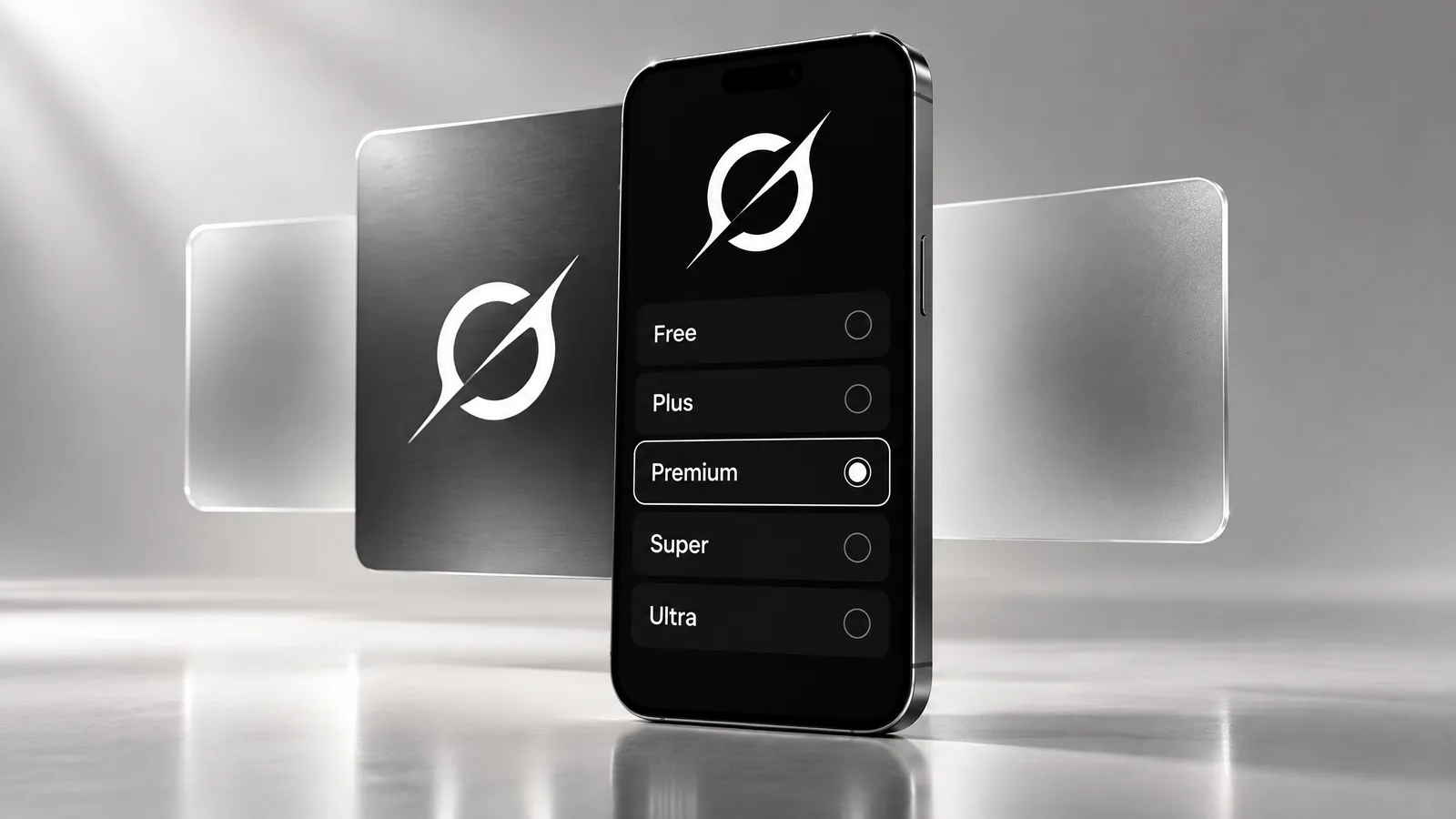
The X Subscription plans replace three separate bills with one: since October 12, 2026, new customers get Grok, Grok Bot, Cursor and X Premium from a single five-tier lineup instead of buying SuperGrok, Cursor Pro and X Premium+ on their own. The headline number is the $30 Premium tier, which xAI says covers what used to cost $90 a month. This guide skips the press-release recap and focuses on the decisions: which tier fits which kind of user, what the shared usage pool does and does not cover, and the one-way door you walk through if you switch an existing subscription.
- Five tiers: Free, Plus ($8/month), Premium ($30), Super ($100) and Ultra ($200); annual billing is ten times the monthly price.
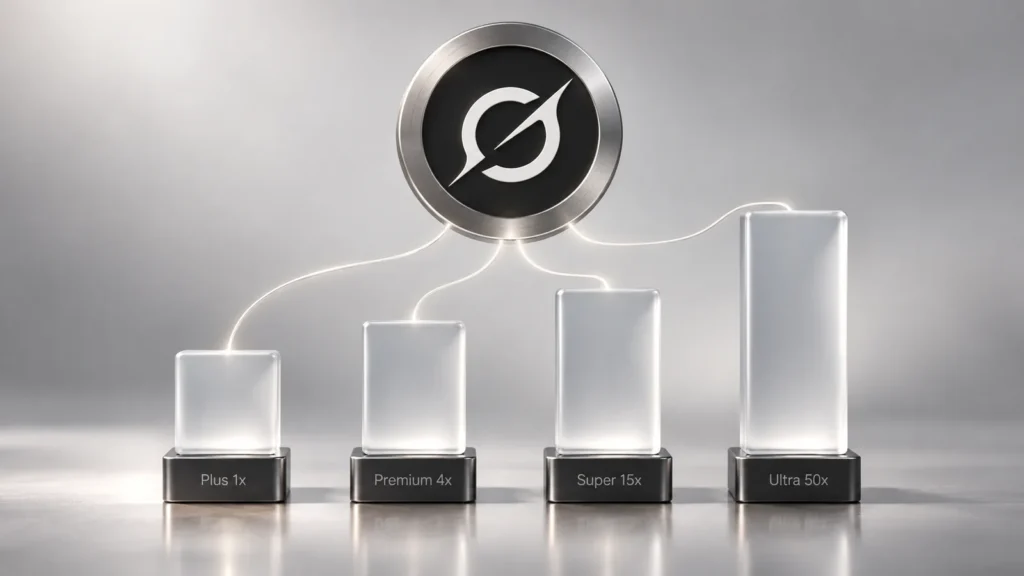
- Usage is defined as multiples of Plus (Premium 4x, Super 15x, Ultra 50x) and drawn from one weekly pool shared by Grok and Cursor.
- Grok Bot and the newest Grok models start at Premium; third-party models in Cursor such as Claude and GPT are billed separately at API list prices.
- Existing SuperGrok, Cursor and X Premium subscribers keep their plans unless they choose to switch.
- Switching is permanent, comes with a prorated refund, and needs manual cleanup if you pay through Apple or Google Play.
What changed on October 12
xAI announced The X Subscription on October 12, 2026, and opened it to new customers the same day, with a global rollout to everyone over the following days. TechCrunch reported on October 13 that the company now goes by SpaceX Super Intelligence (SpaceXSI) and that the bundle folds all of its consumer subscriptions into one.
Each plan combines four products:
- Grok: chat, voice, and image and video generation.
- Grok Bot: what xAI calls AI teammates that get work done.
- Cursor: local and cloud coding agents.
- X: a checkmark, creator tools and fewer ads, with no timeline ads on the higher tiers.
For a new customer, this means there is no standalone SuperGrok plan to buy anymore. Paid Grok features now arrive bundled with Cursor and X benefits on one invoice.
X Subscription plans and pricing
These are the list prices on xAI’s pricing page, checked on October 22, 2026. They exclude sales tax, which xAI says is added at checkout where required.
| Tier | Monthly | Annual | Included usage | Highlights |
|---|---|---|---|---|
| Free | $0 | $0 | Limited | Daily Grok access, starter Cursor allowance, standard X |
| Plus | $8 | $80 | Base (1x) | More Grok and Cursor usage, X checkmark, creator tools, fewer ads; no Grok Bot |
| Premium | $30 | $300 | 4x Plus | SuperGrok, Cursor Pro and X Premium+ benefits, Grok Bot, newest Grok models |
| Super | $100 | $1,000 | 15x Plus | Everything in Premium |
| Ultra | $200 | $2,000 | 50x Plus | Everything in Premium |
xAI’s launch post frames Premium as the value tier: it bundles the benefits of SuperGrok, Cursor Pro and X Premium+, which it says were previously $90 a month combined. The annual prices work out to two months free on every paid tier.
One gap worth knowing about: xAI publishes allowances only as multiples of Plus. Neither the launch post nor the pricing page states how many messages, images or tokens Plus itself includes, so a hard “how many prompts do I get” comparison is not possible yet.
How the shared usage pool works
On paid plans, Grok model usage comes from a single weekly pool. It covers the Grok apps, the Grok tab on X and Cursor, and Grok Bot draws from the same seat allowance. xAI says each tier includes at least twice as much coding usage with its own models as the comparable Cursor plan did.
The fine print matters for developers. Third-party models in Cursor, such as Claude or GPT, are available from Premium up, but they are not part of the included pool. They are billed at API list prices from the very first request, paid out of prepaid credit. If most of your Cursor work runs on non-Grok models, “Cursor Pro benefits included” will not feel like your old Cursor Pro plan. Once the pool runs out, you either wait for the weekly refresh or buy top-ups.
Which tier fits which user
- Occasional Grok users: Free covers daily access. Move to Plus only if you keep hitting the limit.
- X creators who want the checkmark: Plus includes it along with creator tools. If you rely on the full Premium+ feature set, xAI’s help page says to choose Premium or higher.
- Former SuperGrok users: Premium is the direct match, and it is also where Grok Bot and the newest Grok models unlock.
- Developers coding with Grok models all day: start on Premium, watch how fast the weekly pool drains for a week or two, then step up to Super (15x) or Ultra (50x) only if the numbers justify it.
- Teams: Premium, Super and Ultra seats cost the same per seat as individual plans, and teams can mix tiers. Plus is not offered for teams. Team plans add SSO, admin controls and consolidated billing.
Should existing subscribers switch?
Nothing changes automatically. Current SuperGrok, Cursor and X Premium subscribers keep their plan, price and features until they change or cancel. The switch option is rolling out gradually and shows up in billing settings when it reaches your account.
If you decide to move, work through these points first:
- Start from the right place. Paid Cursor users begin at cursor.com/unify; Grok users at accounts.x.ai/unify; X users under Subscription on x.com. The X path does not bring Cursor along, so if you pay for Cursor, start there.
- Clear blockers. Unpaid invoices or an unsupported payment method stop the switch. Organization-managed X accounts, including affiliate accounts, cannot be connected, and personal and team accounts cannot be merged.
- Understand the refund. Your old subscriptions are cancelled at checkout with a prorated refund for unused time. The X Premium refund is sent separately rather than deducted from the new charge, and a fresh billing cycle starts on the switch date.
- Handle app store billing yourself. Grok or X Premium bought through the Apple App Store is cancelled, but Apple decides the refund. On Google Play, check your subscriptions after switching and cancel there if it still shows as renewing. A Cursor plan bought in the iPhone or iPad app must be cancelled in device settings, or you risk paying twice.
- Accept that it is final. In xAI’s words, the switch is permanent: it cannot be undone, and Support cannot undo it for you.
If you pay yearly for SuperGrok or X Premium+, run the numbers before switching. You get a prorated refund for the old plan, but the new plan is charged in full on day one, so the cash outlay in the switch month can be higher than you expect.
The bottom line
For anyone who already paid for two or three of SuperGrok, Cursor Pro and X Premium+, Premium at $30 is a clear saving on paper. For someone who only wants Grok chat and image generation, the bundle means paying for coding and social features they may never touch, and Free or Plus is the more sensible starting point.
Below is the related Grok package listed in our store; contents and terms are exactly as stated on its product page.
 Grok Premium – 1 MonthIn stock$13.50
Because the bundle is only ten days old, expect adjustments. xAI points to x.ai/pricing as the up-to-date reference for usage, pricing and eligibility, so check it once more before you commit.
Frequently asked questions
How much does The X Subscription cost?
Free is $0, Plus is $8 a month ($80 a year), Premium is $30 ($300), Super is $100 ($1,000) and Ultra is $200 ($2,000). Prices exclude sales tax, checked on October 22, 2026.
Is SuperGrok still available?
Not as a new standalone purchase: new customers start on The X Subscription. Existing SuperGrok subscribers keep their plan and price unless they switch. xAI says the Premium tier includes SuperGrok's benefits.
Can I go back to my old plan after switching?
No. xAI states that the switch is permanent and that Support cannot undo it. Your old subscriptions are cancelled with a prorated refund for unused time.
Are Claude and GPT in Cursor included in the usage pool?
No. Third-party models in Cursor are available on Premium and above, but they are billed at API list prices from first use through prepaid credit, outside the included pool.
Does Plus include Grok Bot?
No. Grok Bot is included only on Premium, Super and Ultra, and its usage comes out of the same shared weekly pool as Grok and Cursor.
Can teams buy The X Subscription?
Yes, on Premium, Super and Ultra at the same per-seat price as individual plans. Plus is not available for teams, and teams can mix seat tiers.
Sources
- Introducing The X Subscription — xAI, 22 October 2026
- Pricing – The X Subscription — xAI Docs, 22 October 2026
- Unification eligibility: Who can combine accounts? — xAI Docs, 22 October 2026
- X Premium Customers moving to The X Subscription — xAI Docs, 22 October 2026
- SpaceXSI bundles X Premium, Grok, and Cursor into one subscription — TechCrunch, 22 October 2026


