




AI Tools Blog
Notion AI Credits Explained: Standard, Select and the Nov 2 Switch

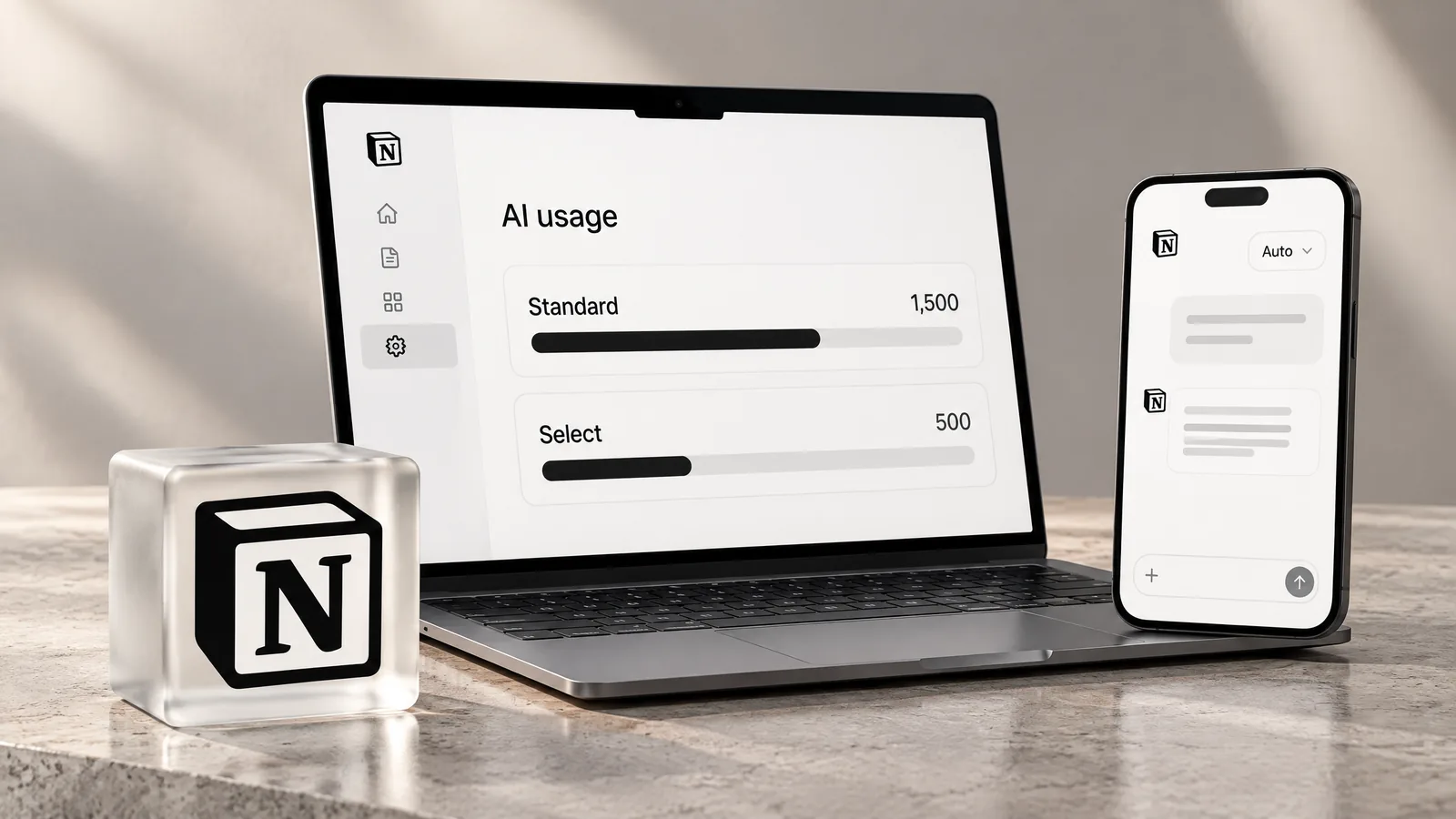
Notion AI credits are now the single meter for every AI feature on Business and Enterprise plans: each member gets 1,500 Standard credits and 500 Select credits a month, and existing workspaces move to the system on November 2, 2026. Rather than repeat the announcement, this guide turns Notion's own per-task estimates into a monthly budget, explains who pays when a shared Custom Agent runs, and lists the settings an admin should decide on before the switch.
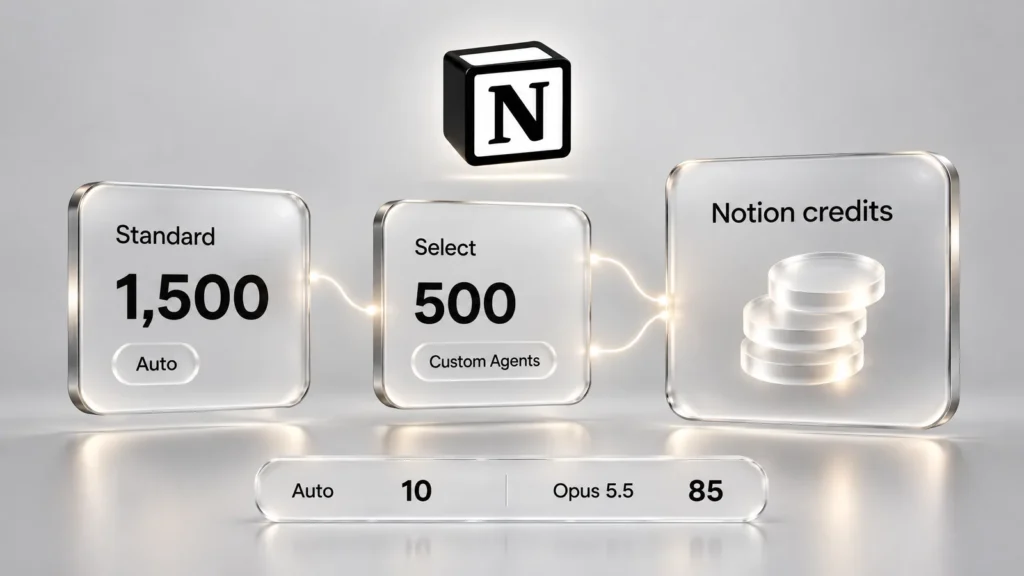
- Business and Enterprise members get 1,500 Standard credits (Auto) and 500 Select credits (picking a model, personal Custom Agents) every month; the two pools are separate and do not roll over.
- New workspaces started on October 19, existing ones switch on November 2, 2026, and AI Meeting Notes starts drawing on Standard credits on December 1.
- By Notion's estimate, a medium task costs about 10 credits on Auto and about 85 on Opus 5.5, which is the difference between roughly 150 tasks and 5.
- A shared Custom Agent bills its owner's Select credits by default unless an admin funds it from the workspace budget.
- When credits run out, features pause; overflow into shared Notion credits is an admin setting that is off by default.
What Notion announced on October 19
Notion’s October 19, 2026 release, titled “Agents, rebuilt to do more for less,” is mostly about agents. Notion Agent can now work on a single task for up to 24 hours instead of five minutes, it has its own computer and browser, and a “Review for me” mode uses a separate model to check whether an action is safe before the agent takes it.
The part that affects budgets is the pricing model. In his blog post, co-founder Akshay Kothari writes that all AI usage, including Notion Agent, Custom Agents and usage from outside AI tools, now runs through one credit system. Until now, only Custom Agents were metered, at $10 per 1,000 Notion credits, a rate that still appears on Notion’s pricing page.
The timeline, checked against Notion’s help center on October 23, 2026:
- October 19, 2026: new Business and Enterprise workspaces start on credits.
- November 2, 2026: existing workspaces switch, and admins receive an email. Enterprise customers whose contracts have not renewed get their credits set at renewal.
- December 1, 2026: AI Meeting Notes begins counting against the monthly Standard allowance.
The three credit pools
There are two personal allowances and one shared balance:
| Pool | Monthly amount | Used for |
|---|---|---|
| Standard | 1,500 per member | Notion Agent on Auto, AI editing, page translation, AI blocks, AI database formulas, AI Meeting Notes |
| Select | 500 per member | Notion Agent with a model you choose, personal Custom Agents |
| Notion credits | Set per workspace | High-consumption models, workspace-funded Custom Agents, agents run through the API or connected apps, overflow once personal credits are gone (if allowed) |
Standard and Select cannot be combined, converted into each other or moved between members. To answer the most common question directly: yes, Notion AI credits reset. Both personal pools refill at the start of each billing cycle, and anything unused is lost rather than carried over.
A few things do not cost credits today. Database Autofill does not reduce balances, Workers stay off the meter while in beta, and everyday reads and writes through Notion MCP or the Notion API are free apart from normal rate limits. Running an agent through a connected app or the API, however, does use Notion credits.
Notion’s help page reserves the right to change which features use credits, the included amounts and how usage is calculated. Something that is free now may be metered later.
How far do 1,500 Standard and 500 Select credits go?
Notion’s Auto help page lists estimated credits per task type. Dividing the monthly allowances by those estimates gives a rough sense of capacity. Notion stresses that real usage varies; even a small edit inside a long, complicated thread can cost more.
| Task | Notion’s examples | Auto | Opus 5.5 | Tasks on 1,500 Standard (Auto) | Tasks on 500 Select (Opus 5.5) |
|---|---|---|---|---|---|
| Simple | Polish an email, translate a message | 5 | 50 | about 300 | about 10 |
| Medium | Write a work report, summarize a one-hour meeting | 10 | 85 | about 150 | about 5 |
| Complex | Configure databases, refine a quarterly plan | 25 | 150 | about 60 | about 3 |
The takeaway is that the Standard pool is generous for anyone who leaves the model on Auto, which matches Notion’s own claim that most users are unlikely to run out. Select is where people will hit the wall: someone who reaches for the top model by habit can burn through 500 credits in a few dozen simple tasks, or a handful of complex ones.
Meetings deserve their own line. From December 1, an hour of AI Meeting Notes is estimated at about 10 Standard credits, so a member who records 20 hours of meetings a month sets aside roughly 200 credits and has about 1,300 left for everything else.
Why Auto is so much cheaper
Auto is a router rather than a Notion model. It sends quick edits and summaries to fast, inexpensive models and reserves stronger ones for research, code or building Custom Agents, switching up for a hard step in a multi-step task and back down afterward. In Notion’s testing, Auto’s average cost came out 87% below Opus 5.5, and the blog post says it matched Opus 5.5 and Astra on more than 20 common tasks at roughly 90% lower cost. These are Notion’s own evaluations, not independent benchmarks. One caveat for admins: Auto only uses models the workspace allows, and restricting too many makes it less efficient.
What happens when credits run out
- Out of Standard: Auto-powered features pause until the next reset.
- Out of Select: model picking and personal Custom Agents pause. If you still have Standard credits, switching Notion Agent back to Auto keeps you working.
- Out of both: you continue on the workspace’s shared Notion credits, but only if an admin has allowed it and the balance is there.
That overflow is controlled at Settings → Notion AI → Allow workspace to use Notion credits after AI limit is reached, and it is off by default. Members see their balances and reset date under Settings → Notion AI → Usage; admins see per-member consumption under Settings → Access & billing → Notion credits.
Who pays for a shared Custom Agent?
By default, a Custom Agent spends its owner’s Select credits, even when the whole team uses it. The person who built the team’s triage or reporting agent can therefore find their monthly 500 gone early. The fix is to move shared agents onto the workspace budget: in the agent’s Credits panel, choose Owner allowance → Request workspace credits and propose a monthly budget, which takes effect once an admin approves it. Owners can also cap spending per agent. According to the help center, Custom Agents created before November 2 keep drawing on shared workspace credits.
An admin checklist before November 2
- Inventory your agents. List the Custom Agents the team relies on and who owns each one, then decide which should be workspace-funded.
- Keep Auto as the default. Turning off many models weakens the router; Notion shows a warning when a change reduces its quality.
- Decide on overflow. If you enable shared Notion credits after the limit, set a per-member Notion credit limit at the same time.
- Budget for meetings. Teams that lean on AI Meeting Notes will see part of their Standard pool go there from December 1.
- Set a simple norm. “Auto for everyday work, pick a model only when it matters” prevents most mid-month Select shortfalls.
The AI Command Center, which will show usage by member, feature and agent and add spending limits and alerts, is described only as “coming soon,” with no date.
ChatGPT plans, Free and Plus
Members with ChatGPT Plus, Pro or Go can connect that account and pick a specific GPT model in Notion Agent; that usage comes from the ChatGPT plan instead of Notion credits. Auto still uses Standard credits, a non-GPT model uses Select, and the connection does not work with Custom Agents. The October 19 release mentions personal users connecting ChatGPT, but the help article we checked on October 23 still limits the feature to Business and Enterprise workspaces, so treat the help article as the current rule.
On Free and Plus, Notion’s pricing page lists Notion AI only as a limited trial, and the new credit pools are documented for Business and Enterprise only. Notion’s startups page puts Business at $20 per member per month, billed annually. If you mainly use Notion for notes and projects, Plus is enough; if you plan to use Notion Agent and meeting notes every week, Business is the plan the credit system is built around.
Below is the related Notion package listed in our store; contents and terms are exactly as stated on its product page.
 Notion Business – 3 MonthsIn stock Price range: $5.00 through $33.00
Frequently asked questions
Do Notion AI credits reset every month?
Yes. Standard and Select credits reset at the start of each billing cycle, and unused credits do not roll over. You can see your balance and reset date under Settings → Notion AI → Usage.
How many Notion AI credits does the Business plan include?
Each Business or Enterprise member gets 1,500 Standard credits and 500 Select credits a month. Notion notes that amounts may vary by plan and purchase arrangement. Admins can add shared Notion credits for the workspace.
What is the difference between Standard and Select credits?
Standard credits are used when Notion picks the model (Auto), plus writing, translation, AI blocks and meeting notes. Select credits are used when you choose a model yourself or run a personal Custom Agent. They cannot be transferred or converted.
When does my existing workspace switch to credits?
Existing Business and Enterprise workspaces switch on November 2, 2026, and admins get an email. Enterprise customers whose contracts have not yet renewed get their credits set at renewal.
Does using Notion MCP cost credits?
Everyday reads and writes through Notion MCP or the API do not use credits, though rate limits apply. Running an agent through a connected app or the API does use Notion credits.
Do Free and Plus plans get Notion AI credits?
Notion's pricing page lists Notion AI on Free and Plus as a limited trial, and the Standard and Select allowances are documented only for Business and Enterprise workspaces (checked October 23, 2026).
Sources
- October 19, 2026: Agents, rebuilt to do more for less — Notion, 23 October 2026
- Notion AI: Agents, rebuilt to do more for less — Notion Blog, 23 October 2026
- Standard, Select & Notion credits: eligible features — Notion Help Center, 23 October 2026
- Manage your AI credits — Notion Help Center, 23 October 2026
- Auto — Notion Help Center, 23 October 2026
- How AI credits work for Custom Agents — Notion Help Center, 23 October 2026
- Use your ChatGPT plan with Notion Agent — Notion Help Center, 23 October 2026
- Notion Adds Browser Tools and 24-Hour Tasks to Its AI Agent — TokenPost, 23 October 2026


