
AI Tools Blog
Gemini Tasks Free in 6 Countries: Tasks vs Chat Explained
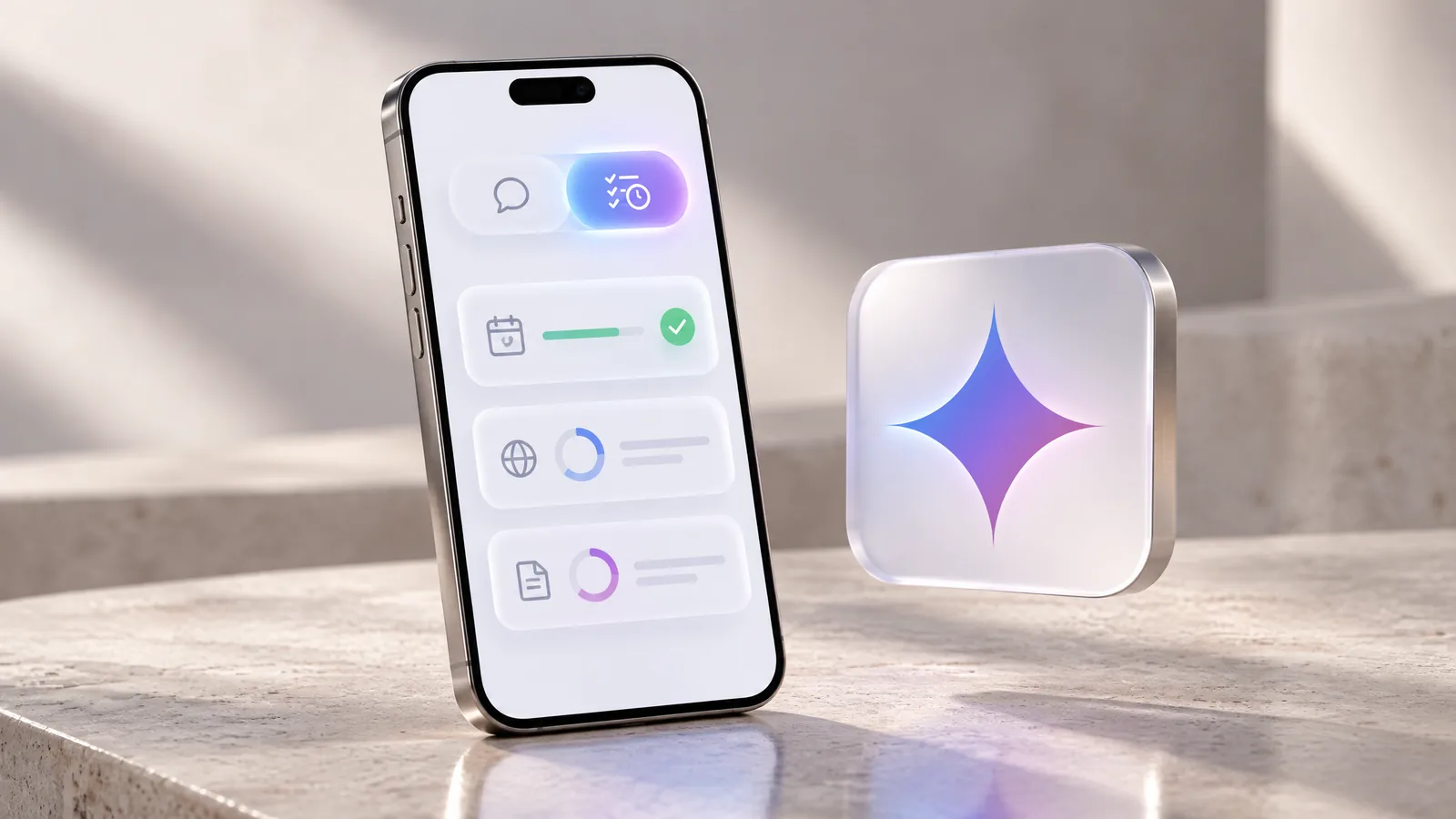
Is Gemini Tasks free? Since November 17, 2026, yes, if you live in the US, Canada, Australia, India, Japan or South Korea and use a personal Google account. Flip the switch under the prompt box from Chat to Task and Gemini works through a multi-step job in the background, on its own virtual machine, then notifies you when it is done. Everywhere else Gemini is offered, tasks still need Google AI Pro or Ultra, and the EEA, the UK, Switzerland and Nigeria are excluded even on paid plans. This guide skips the launch recap and answers the practical questions: when to use a task instead of a chat, which model each plan gets, how scheduling limits work, and which of the new features are still US-only.
- A task runs a multi-step job in the background instead of answering in the chat; up to 15 tasks can run at once.
- Free in six countries since November 17; elsewhere it requires Google AI Pro ($19.99/month in the US) or Ultra.
- Free and AI Plus tasks run on Gemini 4 Hydrogen; AI Pro adds Neon, and Ultra adds Carbon.
- Without Pro or Ultra, you get 10 active schedules that run at most once a day; Pro and Ultra get 50 and hourly options.
- Calling businesses, Google Pay checkout, emailing and texting Gemini are US-only for now.
What changed on November 17
In a post titled “Put Gemini to work for you,” Josh Woodward, who leads the Gemini app at Google, announced that Tasks in Gemini is rolling out free of charge to “hundreds of millions of people” in six countries. The feature was previously known as Spark and, according to 9to5Google, required an AI Pro subscription. Free tasks run on Gemini 4 Hydrogen, the fast model Google released on November 12. A day after the Tasks announcement, Google introduced Gemini 4 Neon and said tasks can now run on it for AI Pro and Ultra subscribers.
The same post added a set of US-first features: Gemini can call businesses for you, check out with Google Pay, take tasks by email, and take tasks by text message. More on those below.
Gemini tasks vs chat: what is the actual difference?
Both live in the same prompt box. The difference is what happens after you press Submit. Based on Google’s help pages (checked November 20, 2026):
| Chat | Task | |
|---|---|---|
| How it works | Answers right away in the conversation | Plans and runs a multi-step job in the background, then notifies you |
| Web access | Searches and summarizes | Browses sites with your local Chrome or a remote cloud browser, fills carts and forms |
| Scheduling | None | One-off or recurring schedules, plus Gmail and topic monitors on Pro and Ultra |
| Output | Text reply | PDFs, documents, spreadsheets or presentations |
| Concurrency | One conversation | Up to 15 tasks running at the same time |
| Approvals | Not needed | Asks before purchases, sending messages, deleting data, submitting forms or signing in |
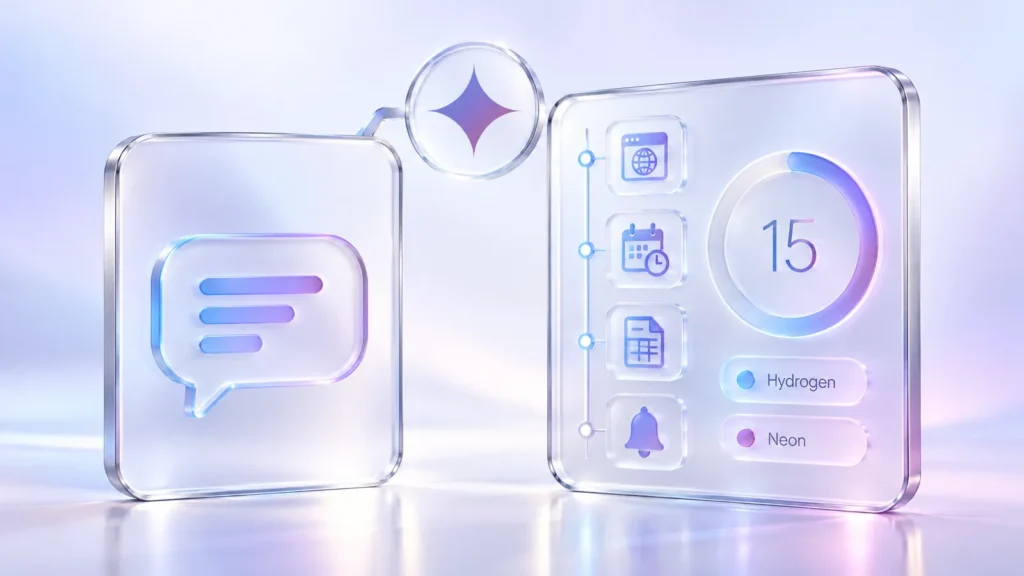
A simple rule: if you want an answer, chat; if you want something done, start a task. “What does the cancellation clause in this contract say?” is a chat. “Find every utility bill in my inbox from the last three months, put them in a spreadsheet and flag the biggest jump” is a task. Google’s own example is close to that: after a $389 electric bill, Gemini dug through a utility portal and found the heat pump was running during peak pricing. While a task runs you can type new instructions to steer it, and Google says Gemini keeps the progress it has made.
Who gets Gemini Tasks free, and who pays
Google’s help page spells out the rule. Tasks work without a subscription in Australia, Canada, India, Japan, South Korea and the US. In every other country where Gemini apps are supported, you need Google AI Pro or Ultra, except in the European Economic Area, Nigeria, Switzerland and the United Kingdom, where tasks are not offered at all. US plan prices and model access in tasks (checked November 20, 2026):
| Plan | US price | Tasks (free countries) | Tasks (other supported countries) | Models in tasks | Active schedules |
|---|---|---|---|---|---|
| No plan | $0 | Yes | No | Hydrogen | 10 |
| AI Plus | $4.99/month | Yes | No | Hydrogen | 10 |
| AI Pro | $19.99/month | Yes | Yes | Hydrogen, Neon | 50 |
| AI Ultra | From $99.99/month | Yes | Yes | Hydrogen, Neon, Carbon | 50 |
Ultra has a second tier at $199.99 a month with 20 times the AI Pro usage limits; the $99.99 tier gives 5 times. Google does not publish a task count for any plan. Its limits page says Gemini uses compute-based limits: AI Plus gets twice the free limits and AI Pro four times, and how fast you hit yours depends on how many tasks you assign and how complex they are. Gemini warns you as you get close. Free, in other words, comes with a ceiling.
Other requirements
- You must be 18 or older and signed in with a personal Google account. Work and school accounts are not supported yet.
- Gemini activity history must be on.
- Tasks run in the Gemini mobile app, the Gemini app for Mac and gemini.google.com. Chrome auto browse works on desktop only.
How to start a task
- Open gemini.google.com or the Gemini app on your Mac.
- Click Task below the text box (above it on mobile).
- Describe the job. You can set a time or event for it to run, pick a skill with @, ask for files, or switch the model in the model menu.
- Optionally attach files from your computer, Drive or a notebook, then submit.
- Keep an eye on it. Some sign-in, payment or password steps hand control back to you. For a remote browser task, open View live and choose Take over task, then return control when you are done.
Gemini scheduled tasks
You can schedule a task by saying when it should run in your prompt, or on the web through the Scheduled section of the menu. On AI Pro and Ultra, time-based schedules can run once, hourly, daily, weekly, monthly or yearly, and Gmail or topic monitors can trigger a task when something happens. Without a plan or on AI Plus, a schedule runs at most once a day within a broad window: overnight, daytime or evening. If 15 tasks are already running, a scheduled task will not start.
Turning task mode off deletes remote browser and code execution data and stops your schedules. Existing tasks and their files are kept.
Hydrogen or Neon: picking a model for tasks
Google describes the Gemini 4 family this way: Hydrogen for “fast everyday execution,” Neon to balance “depth and efficiency,” and Carbon for the hardest long-horizon projects. In the Neon announcement, Google DeepMind’s Koray Kavukcuoglu says tasks can now use Neon to work through multi-step jobs more quickly and efficiently than with larger models.
- Hydrogen: price tracking, newsletter digests, adding dates to your calendar. Short, frequent jobs that should not eat your limit.
- Neon: research that compares several sources, analysis of a long spreadsheet, a report you will actually send to someone. Google reports it in third place on the Artificial Analysis Intelligence Index with a score of 61. In the API it costs $3 per million input tokens and $15 per million output tokens.
- Carbon: Ultra only, for the most complex and longest jobs.
Google’s model help page no longer lists Argon or 3.1 Pro for the Gemini app; Pro subscribers now see Neon next to Hydrogen. Rollouts are gradual, so your menu may lag by a few days.
US-only features and safety controls
The headline additions are limited to the US for now:
- Calls: Gemini can phone businesses, for example two car dealerships at once. It says it is an AI, businesses can opt out, and calling is unavailable in Indiana, Louisiana, Minnesota, Montana and Nebraska.
- Payments: checkout runs on the Agent Payments Protocol with Mastercard and Visa; Google says American Express is coming soon. You can set a spending cap, and receipts land in Google Wallet.
- Email: forward a message to gemini@google.com to start a task. Gemini replies only to you, not to everyone on the thread.
- Text: manage tasks over Google Messages or iMessage after verifying a US phone number with an eligible carrier.
On safety, Google says each account’s tasks run in a dedicated, hardware-isolated virtual machine on Google Cloud’s Agent Compute Engine, with prompt-injection filters and Google Safe Browsing. Gemini always asks before sensitive actions and pauses before sharing health, financial or government ID details even if you chose “Always allow” for routine steps. Google is also candid that tasks can fail or miss the mark, and that some websites will leave the final click to you.
Do you need a subscription for Gemini Tasks?
In the six launch countries, no: a personal account is enough, and paying mainly buys higher limits, more schedules and the Neon or Carbon models. Elsewhere, AI Pro is the entry point, because AI Plus does not unlock tasks outside those countries. If you want a lower-cost route to AI Pro, the related plans are below; what each includes is as stated on the product page.
 Google AI Pro – 1 Month InviteIn stock Price range: $2.50 through $11.00
 CDK Gemini Pro Student – 12 Months Activation LinkIn stock$2.50
The short version: chat answers questions, tasks get work done in the background. Making tasks free in six countries is a real shift, but outside them the starting line is still AI Pro.
Frequently asked questions
Is Gemini Tasks free everywhere?
No. It is free without a subscription in the US, Canada, Australia, India, Japan and South Korea. In other supported countries it needs Google AI Pro or Ultra, and it is not available in the EEA, the UK, Switzerland or Nigeria (checked November 20, 2026).
What is the difference between Gemini tasks and chat?
Chat answers in the conversation. A task runs a multi-step job in the background: it can browse websites, pull from connected apps, produce files, run on a schedule and notify you when it finishes. Up to 15 tasks can run at once.
Which model runs Gemini tasks?
Hydrogen without a plan and on AI Plus. AI Pro can choose Hydrogen or Neon, and AI Ultra adds Carbon. You switch models from the model menu while writing the task.
How many scheduled tasks can I have?
Up to 50 active schedules on AI Pro or Ultra, and 10 on AI Plus or without a plan. Without Pro or Ultra, schedules run at most once a day in a general time window.
Can Gemini make calls and payments outside the US?
Not yet. Calling businesses, Google Pay checkout, emailing gemini@google.com and texting Gemini are rolling out starting in the US, and calling is off in five US states.
Why don't I see the Task option?
Tasks need a personal Google account, age 18 or over and Gemini activity history turned on. Work and school accounts are not supported yet, and outside the six free countries you need AI Pro or Ultra.
Sources
- Put Gemini to work for you — Google, 20 November 2026
- Manage your tasks and workflows in Gemini Apps — Google Help, 20 November 2026
- Create & manage schedules for tasks in Gemini — Google Help, 20 November 2026
- Choose a model and thinking level — Google Help, 20 November 2026
- Gemini Apps limits & upgrades for Google AI subscribers — Google Help, 20 November 2026
- Introducing Gemini 4 Neon — Google, 20 November 2026
- Google AI plans and pricing — Google, 20 November 2026
- You can now assign Gemini 'tasks' for free in six countries — 9to5Google, 20 November 2026