

AI Tools Blog
Claude Sheets guide: what it does, plans, and limits

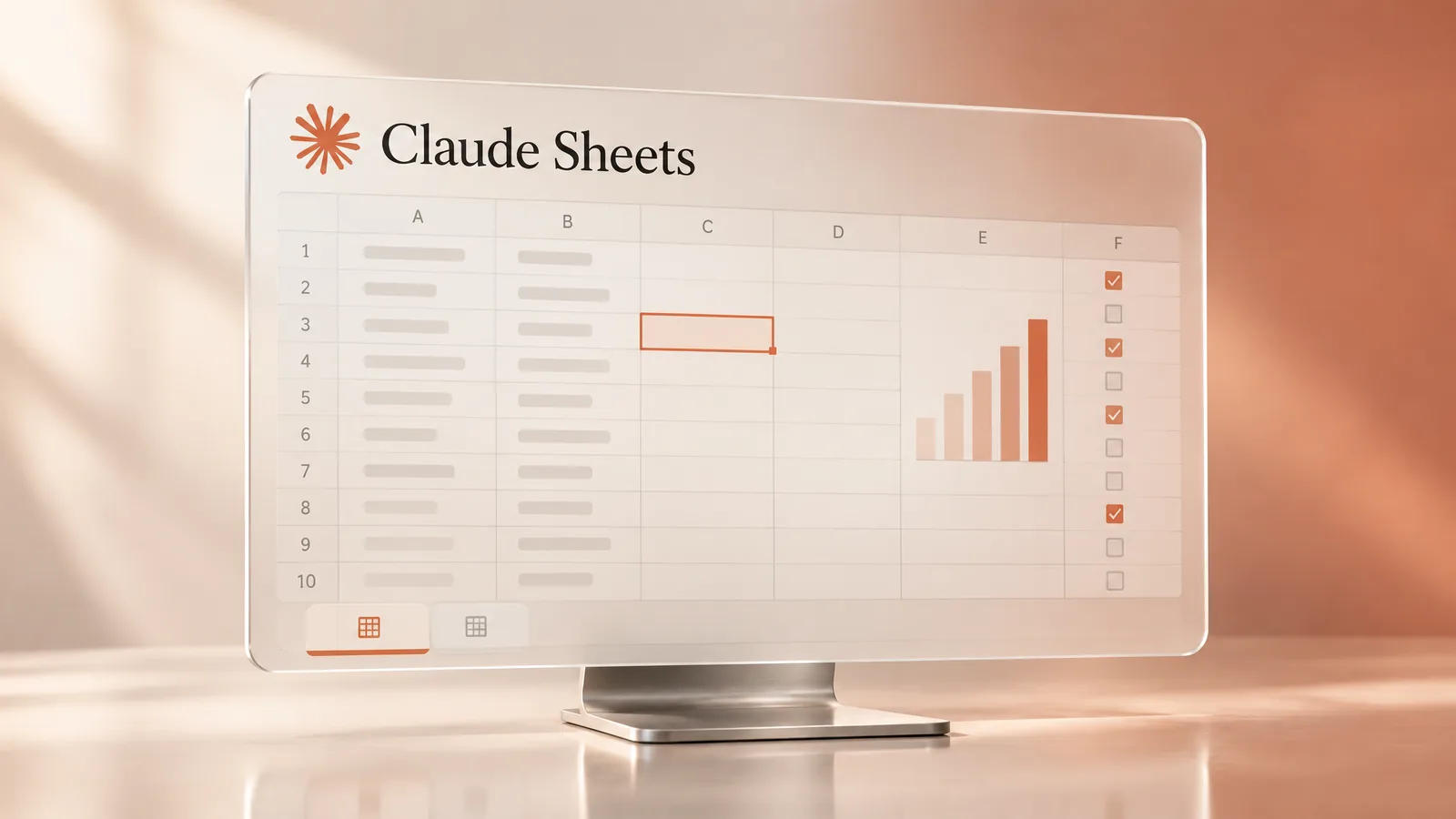
Claude Sheets is a spreadsheet that lives inside Claude: you describe a tracker, budget, or forecast, Claude builds a working sheet with tabs and formulas, and you, your team, and Claude edit it together. Anthropic launched it in beta on November 10, 2026. Rather than repeat the announcement, this guide answers the practical questions: which plan you need, how to build and share a first sheet, what is still missing, and when you are better off with a downloaded Excel file or Claude for Excel.
- Claude Sheets is in beta on Pro, Max, Ultra, Team, and Enterprise; the Free plan does not include it.
- Pro is $20 a month ($17 a month billed annually), Max $100, Ultra $200 (checked November 19, 2026).
- Sheets export to .xlsx or CSV, and Anthropic's help page says a sheet holds at least 200,000 filled cells.
- No pivot tables, macros/VBA, Power Query, protected ranges, or PDF export yet.
- Free users can still have Claude generate a downloadable .xlsx file in chat, but it is a file, not a shared live sheet.
What Claude Sheets is
On November 10, 2026, Anthropic announced three tools at once: Claude Whiteboards, Claude Sheets, and Claude Data. Whiteboards and Sheets launched in beta, while the data dashboards previously in beta as “Claude Dashboards” became generally available under the name Claude Data. TechCrunch covered the launch the same day alongside Claude Meetings.
The help center describes Sheets as “a spreadsheet built into Claude.” You ask for something like a campaign tracker or a hiring budget, Claude generates a working sheet with tabs, formulas, formatting, and drop-downs, and everyone with access can keep editing it. The detail that matters most: formulas stay in the cells. When Claude reports a total, you can click the cell and see exactly how it was calculated instead of taking the number on trust.

Anthropic is upfront that Sheets offers “simple spreadsheet functionality” for now, with more planned. Think of it as a fast, shareable sheet you build by talking to Claude, not as a replacement for a full desktop spreadsheet application.
Which plans include Claude Sheets
The announcement says the three tools are “available on all paid plans,” and the Sheets help article spells it out: Pro, Max, Ultra, Team, and Enterprise. Prices below come from Anthropic’s pricing page, checked on November 19, 2026:
| Plan | Price | Claude Sheets |
|---|---|---|
| Free | $0 | Not included |
| Pro | $20/month, or $17/month billed annually ($200 up front) | Beta |
| Max | $100/month (5x Pro usage) | Beta |
| Ultra | $200/month (10x Pro usage per week) | Beta |
| Team, standard seat | $25/month, or $20 billed annually | Beta, on by default |
| Team, premium seat | $125/month, or $100 billed annually | Beta, on by default |
| Enterprise | $20/seat/month (20-seat minimum) plus usage at API rates | Beta, off until an admin enables it |
Two caveats. First, Sheets has no separate allowance: the help page says it counts toward your plan’s usage limits like any other work in Claude, so repeatedly regenerating a large sheet will eat into a Pro allowance quickly. Second, the sources disagree on devices. The announcement says all three tools work on web, desktop, and mobile, while the Sheets help article says web and desktop are supported and mobile access is limited. We go with the help article: build and edit sheets on a computer.
How to build your first sheet
There are two ways in, according to the help center:
- From a chat: ask Claude for the sheet. Say what it is for and paste in any numbers you already have.
- From the Artifacts tab: open Artifacts, choose the Sheets tile, then describe the sheet or start blank.
- Bring in data: import a CSV, import from Google Sheets or Excel, or paste cells directly.
- Edit: ask Claude for changes or select a range and ask about it. You can also type, write formulas, and format cells yourself. Every Claude edit is outlined as it lands so you can see what changed.
- Roll back: version history lets you restore an earlier version. Restoring also removes any edits made after that version, so export a copy first if in doubt.
- Share: sheets start private. Click Share; people with “Can edit” access work alongside you and Claude, in the same cells at the same time, and can leave comments on cells.
- Export: download as .xlsx or CSV, or use Send to. The announcement names Airtable, Asana, monday.com, and Smartsheet as partner tools.
A prompt that works
The help article’s advice is to state the purpose and give Claude the numbers you have. A concrete example:
Build a Q1 freelance budget. Tab 1: income by client (Client A $4,200/month, Client B $1,800/month). Tab 2: expenses with a category drop-down (software, hardware, travel, taxes) and a “paid” checkbox. Summary tab: total income, total expenses, and net profit as formulas across tabs, plus a pie chart of expenses by category. Highlight any month where expenses exceed 40% of income.
Then spend a minute auditing the formulas, especially cross-tab references. Because the formulas are visible, checking that Claude picked the right range is quick, and it is the habit that makes the tool trustworthy.
What it can and cannot do
Based on the help center feature list (checked November 19, 2026):
| Supported | Not supported yet |
|---|---|
| Multiple tabs and cross-tab formulas | Pivot tables |
| Formatting and conditional formatting | Protected ranges and shared filter views |
| Drop-downs and checkboxes | Multi-select drop-downs |
| Bar, line, and pie charts (Claude can generate other types) | Macros, VBA, Power Query, DAX |
| Cell comments, version history, real-time co-editing | PDF export and print layout |
| .xlsx and CSV download | Live data from connected apps |
On size, the help article says a sheet can hold “at least 200,000 filled cells” and gives no separate row or tab limit; a lower 100,000-cell figure circulating on third-party sites does not match the official page. Because Sheets is in beta, it is not covered by HIPAA or zero data retention (ZDR) arrangements, which matters if you planned to track patient or contractually protected customer data. Docs, decks, and dashboards that Claude builds also cannot use a sheet as a data source yet.
Claude Sheets vs. a chat-generated Excel file vs. Claude for Excel
There are now three ways to get a spreadsheet out of Claude, and they are easy to confuse:
| Claude Sheets | File creation in chat | Claude for Excel / Google Workspace | |
|---|---|---|---|
| Where it lives | Inside Claude, as a live sheet | A file you download from the chat | Inside your existing Excel or Google Sheets file |
| Plans | Pro, Max, Ultra, Team, Enterprise (beta) | All plans, including Free | See the product’s own page |
| Co-editing | Yes, in real time | No; you share the file yourself | Through Excel or Google sharing |
| Best for | Quick team trackers and budgets | One-off reports and templates | Large existing files and full features |
The middle option is the one Free users should know about. Per the “Create and edit files with Claude” help article, every plan can have Claude produce .xlsx, .docx, .pptx, and PDF files on web, desktop, and mobile. Turn on Code execution and file creation under Settings > Capabilities (labeled Create and edit files in the updated settings layout). Uploads and downloads are capped at 30 MB per file. You get a static workbook rather than a shared sheet, but for a one-time template that is often enough.
Anthropic’s own guidance: if the file already lives in Excel or Google Sheets, or you need those apps’ full feature set, use Claude for Excel or Claude for Google Workspace, or export your sheet. In practice, a good workflow is to draft in Sheets and move the .xlsx into Excel when you need pivots or macros.
Whiteboards and Claude Data in brief
- Claude Whiteboards (beta): a shared board where a team brainstorms with Claude. Talk through a plan and Claude lays it out with a timeline, owners, and dates; drag a box around part of the board to ask about it. Boards can become a doc or deck, or move into Lucid, Miro, or Vani by Zoho.
- Claude Data (generally available): requires a data connector such as a warehouse or CRM, with Amazon Redshift, BigQuery, and ClickHouse given as examples. It produces dashboards, data stories, and narrated videos. Certified queries carry a “certified” badge; that feature and live sharing are still in beta.
Admin defaults: on Team plans, all three tools are on by default. On Enterprise, Whiteboards and Sheets start off, and Claude Data turns on by default on November 20, 2026 according to Anthropic’s page; several news sites reported November 19, but the official date is the 20th. Owners can change this under Organization settings > Artifacts, and Artifacts must be enabled for Sheets to appear at all.
Who should use it
- Already on Pro or higher: it costs nothing extra to try, and it is the quickest way to stand up a shared tracker or budget without opening another app.
- Considering Pro just for spreadsheets: test chat-based .xlsx creation on the Free plan first. If you do not need co-editing or tracked AI edits, it may be all you need.
- Heavy Excel users: without pivots, macros, and Power Query, Sheets will not be your main tool. Use it for drafts and hand the .xlsx to Excel.
- Workspace admins: Team users already have all three tools, and Enterprise gets Claude Data switched on November 20. Review the Artifacts settings against your data policy before then.
Frequently asked questions
What is Claude Sheets?
A spreadsheet built into Claude, launched in beta on November 10, 2026. Claude builds a working sheet from your description, formulas stay visible in the cells, and you, your team, and Claude can edit it together.
Is Claude Sheets free?
No. It is in beta on the Pro, Max, Ultra, Team, and Enterprise plans; Pro starts at $20 a month (checked November 19, 2026). Free users can instead have Claude create a downloadable .xlsx file in chat.
Can I export a Claude sheet to Excel?
Yes. Sheets download as .xlsx or CSV. You can also import a CSV, import from Excel or Google Sheets, or paste cells in.
Does Claude Sheets support pivot tables or macros?
Not yet. The help center lists pivot tables, protected ranges, shared filter views, multi-select drop-downs, PDF export, macros/VBA, Power Query, and DAX as unsupported.
Does Claude Sheets work on mobile?
The announcement mentions web, desktop, and mobile, but the Sheets help article says web and desktop are supported and mobile access is limited. Use a computer to build and edit sheets.
Does using Sheets count against my Claude usage limits?
Yes. It has no separate quota and counts toward your plan's usage limits like any other work in Claude.
Sources
- Get started with Claude Sheets — Claude Help Center, 19 November 2026
- Introducing Claude Whiteboards, Claude Sheets, and Claude Data — Anthropic, 19 November 2026
- Create and edit files with Claude — Claude Help Center, 19 November 2026
- Plans & pricing — Anthropic, 19 November 2026
- Anthropic launches Claude Meetings to turn workplace discussions into plans and tasks — TechCrunch, 19 November 2026