AI Tools Blog
Kling Image 4.0: Native 8K, 10-Image Series and Where It Ranks

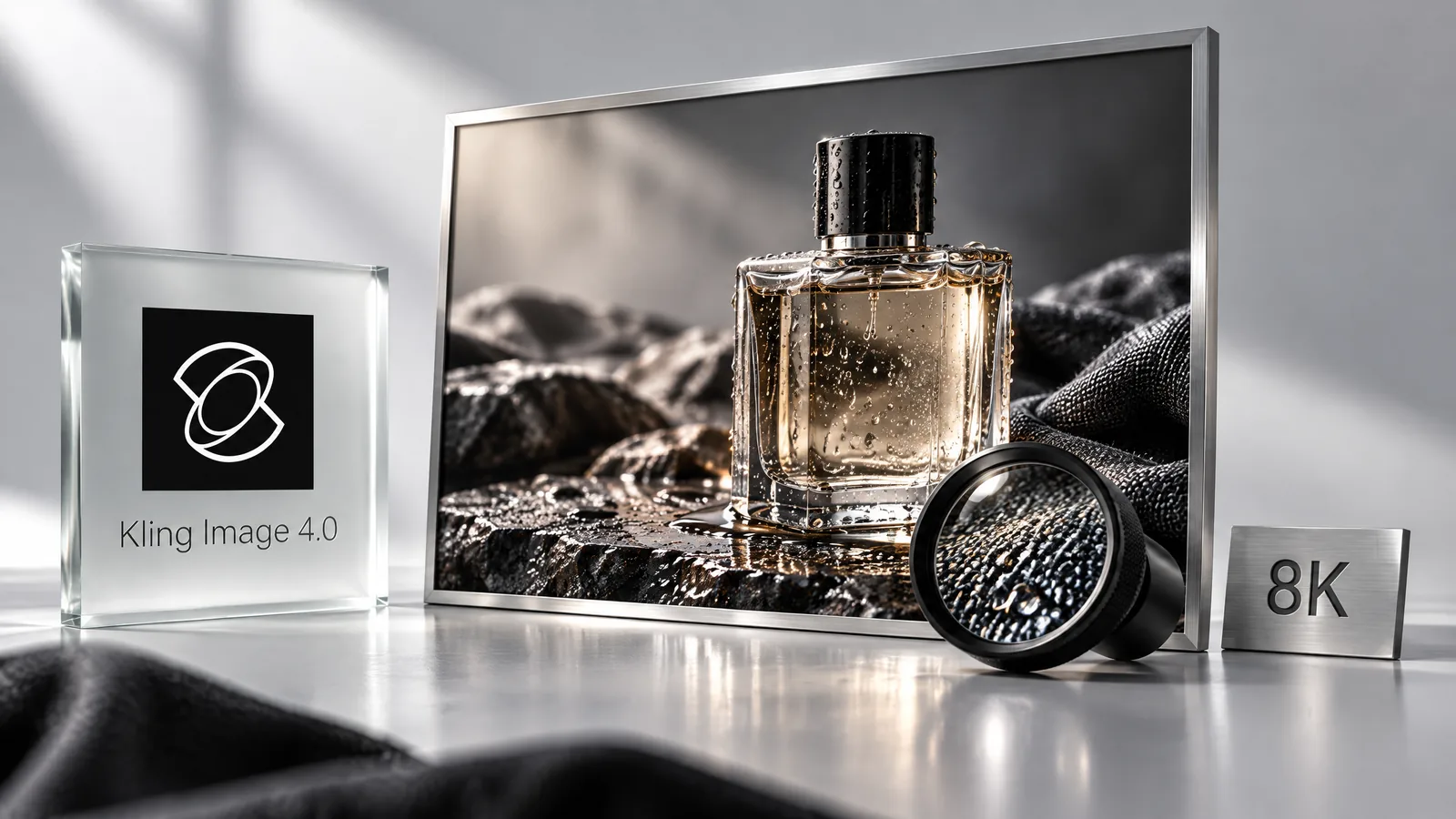
Kling Image 4.0 is the new image model Kling AI announced on November 17, 2026: it generates natively at 2K, 4K and 8K, produces up to 10 consistent images from one prompt, renders up to 2,000 characters of text in a single image and splits results into editable layers. The launch release says the model holds a leading position on the Artificial Analysis leaderboard; the leaderboard itself shows it in the top ten but behind several rivals. This article sticks to what Kling's own user guide documents, checks the ranking and price claims against the independent data, and gives a practical way to test the model without wasting credits.
- Announced November 17, 2026; Kling's official guide lists native output at 2K, 4K and 8K and nine aspect-ratio options including Auto and 21:9.
- Series Mode generates up to 10 consistent images per run; a single prompt can use up to 10 reference images and up to 15,000 tokens of text.
- In-image text supports up to 2,000 characters and 70+ commercially licensed fonts, in Chinese, English, Japanese, Korean, Spanish and Portuguese only.
- On Artificial Analysis (checked November 18, 2026) it ranks 7th for text-to-image (Elo 1180) and 6th for image editing (Elo 1183).
- Artificial Analysis estimates $63 per 1,000 images for generation and $66 for editing; Kling has not published a per-image credit cost in its guide.
What is Kling Image 4.0?
Kling AI shipped its Kling 4.0 video model to all users on October 15, 2026. About a month later it refreshed the image side. The November 17 announcement framed Kling Image 4.0 around four ideas: photographic realism, native 8K output, stronger text rendering and multi-image generation. Kling’s user guide, published the same day, carries the technical details.
According to that guide (checked November 18, 2026):
- Resolution: native generation at 2K, 4K and 8K. Kling calls it the industry’s first native 8K image generation; that is the company’s own claim.
- Aspect ratios: Auto, 1:1, 3:4, 4:3, 9:16, 16:9, 2:3, 3:2 and 21:9.
- References: up to 10 reference images per input.
- Prompt length: up to 15,000 tokens per input.
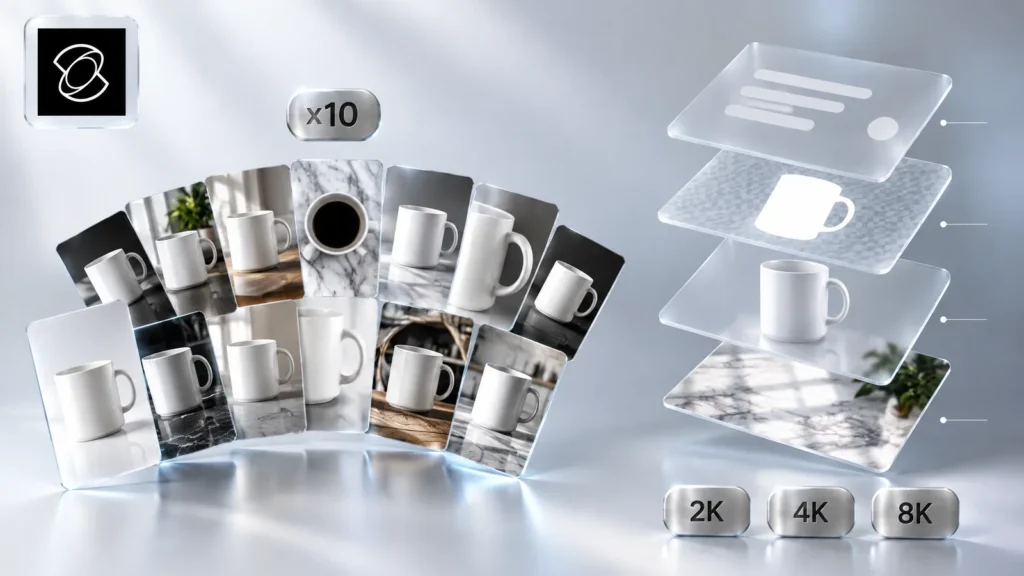
- Modes: Default Mode (one or several independent images) and Series Mode (up to 10 consistent images).
- Layer Editing: outputs can be split into text, background, element and shape layers, each of which can be modified, moved, deleted, downloaded or regenerated.
One detail got garbled in early coverage: some outlets described 2,000 characters as the prompt limit. Kling’s guide and press release both give 2,000 characters as the amount of text that can appear inside an image; the prompt limit is 15,000 tokens. We follow the official guide.
Text rendering: what works and which languages
Text-heavy design is the headline feature. The guide says the model can place up to 2,000 characters in one image while keeping small poster text legible, offers more than 70 commercially licensed fonts, and lets you name a font directly in the prompt or upload a font reference image. Because text lands on its own layer, you can change the wording or font after generation instead of rerolling the whole image.
The supported languages for in-image text are Chinese, English, Japanese, Korean, Spanish and Portuguese (the press release splits Chinese into simplified and traditional). French, German, Arabic, Hindi and most other languages are not listed. If you need copy in one of those, plan to generate the layout with placeholder or no text and set the final words in your own design tool; the layer split makes that easy.
For supported languages, the guide’s prompt advice is concrete: put text that must appear verbatim in quotation marks, state where it sits and how prominent it is, and name the font right after the text it applies to, for example Write “Springtime Escape” in (Font: [name]).
Series Mode: 10 images that stay consistent
Series Mode is built for jobs where the same product, character or style has to survive across many frames: e-commerce product angles, storyboards and slide visuals. Kling’s guide recommends a three-part prompt:
- References and global rules: say which reference image supplies the product and which supplies the model or outfit (“Use the product in Reference Image 1”).
- Per-image scenes: describe the setting, lighting and composition of each frame separately.
- Consistency requirements: list what must not change, such as the product’s shape, color and label, or the model’s face and accessories.
The guide also suggests putting mood descriptors in the second half of the prompt and, for two-person portraits, spelling out relative position, distance and gaze direction.
How it ranks against other image models
Kling’s announcement says the preview version holds a leading position on Artificial Analysis for text-to-image and image editing. Here is what the leaderboards showed on November 18, 2026. Scores are Elo ratings from blind preference votes; prices are Artificial Analysis estimates for 1,000 images at 1024×1024 with default settings, not vendor price lists.
| Model | Text-to-image | Image editing | Est. per 1,000 images |
|---|---|---|---|
| GPT Image 2.6 Sunburst (max) | #1 (1261) | #2 (1211) | $210.72 |
| MAI-Image-2.7 | #4 (1214) | #1 (1215) | $34.82 |
| Kling Image 4.0 | #7 (1180) | #6 (1183) | $63 / $66 |
| Nano Banana 2.1 | #8 (1176) | not in top 8 | $33.60 |
So “leading” is generous: Kling Image 4.0 is a strong top-ten model, roughly 80 Elo points behind the best GPT Image variant and also behind Microsoft’s MAI-Image-2.7, which is cheaper. Its case rests less on raw preference scores and more on the feature mix: 8K output, series consistency and layer editing in one tool. Elo also measures 1024×1024 images, so it says nothing about how well the 8K output holds up at full size.
Kling Image 4.0 pricing: what we know
Inside the Kling app, generations draw on plan credits. The Image 4.0 guide does not say how many credits a single image costs, at 8K or any other resolution, so we are not quoting a per-image credit figure here. The only independent dollar figure is the Artificial Analysis estimate above: about $0.063 per generated image and $0.066 per edit at default size. Expect higher-resolution outputs and 10-image series to cost more than a single default image.
A sensible way to test without burning credits:
- Iterate at 2K with a single image and watch the credit counter to learn the real cost.
- Switch to Series Mode only once a single-image prompt reliably gives you what you want.
- Reserve 8K for print, large-format displays, out-of-home ads or images you plan to crop hard. For web and social, 2K is usually enough.
If you want to try Kling for both video and images, the Kling option in our store is below; what the package includes is exactly as stated on the product page.
 Kling AI Standard – 660 Credits, 1 MonthIn stock Price range: $5.00 through $11.50
Who should try it
- E-commerce sellers: consistent multi-angle product sets plus editable text layers for product pages in supported languages.
- Print and out-of-home designers: native 8K may remove a separate upscaling step, but check pixel-level detail before sending anything to print.
- Storyboard and deck makers: Series Mode keeps characters and style stable across frames.
- Teams working in unsupported languages: use the model for layout and imagery, then add the final copy yourself.
Bottom line
Kling Image 4.0 turns Kling from a video-first tool into a credible image studio, with 8K output, 10-image series and layer editing as its distinguishing features. The independent leaderboard puts it in the top ten rather than at the top, at a mid-range estimated price. Test at 2K, lock in your prompt, and only then pay for 8K or a full series.
Frequently asked questions
What is Kling Image 4.0?
Kling AI's image generation model announced on November 17, 2026. It offers native 2K, 4K and 8K output, a Series Mode with up to 10 consistent images, up to 2,000 characters of in-image text and layer-based editing.
How much does Kling Image 4.0 cost?
Kling has not published a per-image credit cost in its Image 4.0 guide. Artificial Analysis estimates $63 per 1,000 generated images and $66 per 1,000 edits at 1024×1024 with default settings; that is an independent estimate, not Kling's price list.
Which languages can Kling Image 4.0 write in images?
Chinese, English, Japanese, Korean, Spanish and Portuguese, according to Kling's guide. Other languages are not officially supported, so add that text afterwards in a design tool.
Is Kling Image 4.0 the best AI image model?
Not on the Artificial Analysis leaderboards as of November 18, 2026: it ranks 7th for text-to-image and 6th for image editing, behind GPT Image 2.6 Sunburst and MAI-Image-2.7 among others.
How many images does Series Mode produce?
Up to 10 per run. The images keep the same product, character and style while changing angle, setting and composition.
Do I need 8K output?
Mostly for print, large-format displays and heavy cropping. For web and social media, 2K is usually sufficient and cheaper to iterate on.
Sources
- Kling Image 4.0 User Guide — Kling AI, 18 November 2026
- Kling AI Launches Kling Image 4.0 with Photographic Realism and Native 8K Generation — Media OutReach Newswire / The Manila Times, 18 November 2026
- Text to Image Leaderboard — Artificial Analysis, 18 November 2026
- Image Editing Leaderboard — Artificial Analysis, 18 November 2026
- Kuaishou launches Kling Image 4 with native 8K output — TNGlobal, 18 November 2026