
AI Tools Blog
ChatGPT GIF maker: what Images 2.6 can and can’t animate

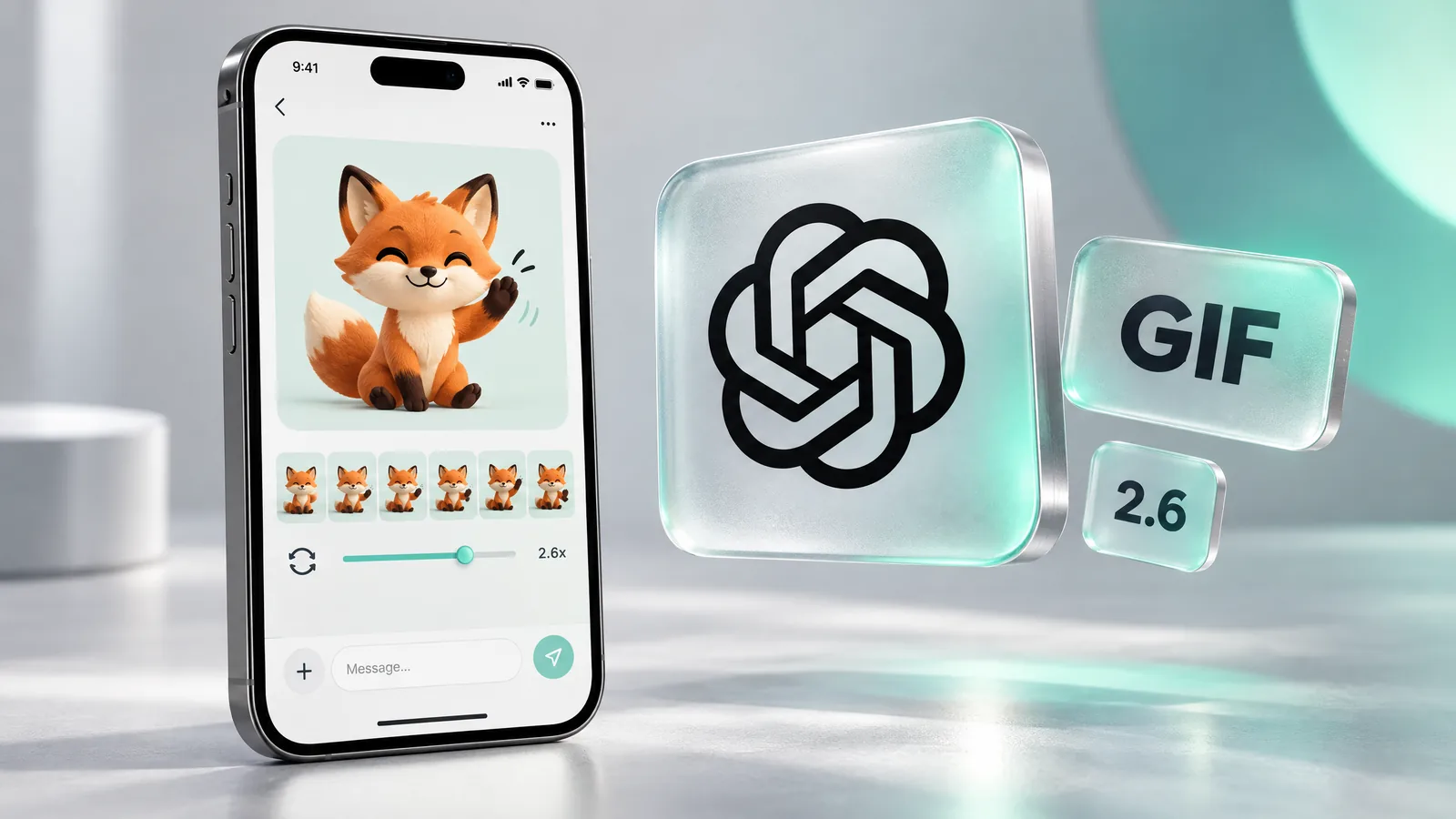
The ChatGPT GIF maker arrived on November 4, 2026, when OpenAI shipped Images 2.6: you can now ask for a looping animation in the chat, change its playback speed, and save a photo under a name to reuse with an @ mention later. Rather than restate the announcement, this piece separates what OpenAI's help documentation actually confirms from what early coverage claims, walks through a workflow that produces clean loops, and compares the two new API models for developers deciding where to spend.
- Images 2.6 is rolling out globally to every ChatGPT and Codex subscription tier, on web, desktop and mobile.
- To make a GIF, describe what should move or upload a still and ask ChatGPT to animate it; speed is adjusted when you open the result.
- Saved references let you name a photo once and reuse it later as @name, but OpenAI has not documented where to manage or delete them.
- No per-plan GIF limits are published, and ChatGPT cannot edit animated GIFs that you upload.
- In the API, gpt-image-2.6-flare targets speed and gpt-image-2.6-sunburst targets detail; both bill image output at $30 per 1M tokens.
What shipped on November 4
OpenAI announced Images 2.6 on November 4, 2026, describing it as available globally in ChatGPT and Codex across all subscription tiers on desktop, mobile and web. The release bundles three changes for ChatGPT users: image generation that OpenAI says is 50% faster than before, animated GIF creation, and saved reference images. OpenAI also claims better detail retention across edits, with the example of a character keeping the same outfit while the background changes.
The usage numbers explain why OpenAI keeps investing here. The company says people now create 4 billion images per week across ChatGPT, Codex and the API; The Next Web points out that the figure was 3 billion in September. Both numbers are OpenAI’s own and cover all image use, not GIFs alone. The practical news is simpler: until this release ChatGPT could not produce a GIF in a single step, so anyone who wanted motion had to export frames and stitch them elsewhere.
One caveat up front. As of November 9, 2026, OpenAI’s “Images in ChatGPT” help article still says GIF creation is rolling out. If you do not see it yet, update the app and try again in a few days; there is no setting to switch it on.
How to make a GIF in ChatGPT
There is no separate GIF button. You ask for one in the chat the same way you ask for an image. The flow documented by OpenAI:
- From a prompt: say you want a looping GIF and describe what should move. For example: “Make a looping GIF of steam rising from a coffee cup while a small cat beside it flicks its tail.”
- From an image: upload a still image or a sketch and ask ChatGPT to animate it. OpenAI’s own example is a sketched character waving.
- Revisions: describe the change in the same conversation, such as “slow the cat down” or “make the steam drift left.”
- Speed and sharing: open the finished GIF to adjust playback speed, save it to your device or share it.
Two limits are worth knowing before you start. First, ChatGPT cannot edit an animated GIF you upload; it only revises GIFs it generated itself. If you need to fix an existing GIF, uploading one frame as a still and asking for a fresh animation is the realistic workaround. Second, coverage disagrees about frame-level editing. OpenAI’s developer community announcement and The Next Web both say individual frames can be edited, while the ChatGPT help article does not mention it. Treat the help article as the reference and don’t be surprised if your account offers no frame editor.
Prompting for clean loops
- One motion per GIF. “Waves a paw” or “the logo turns slightly” loops more cleanly than several simultaneous actions.
- Ask for a return to the start pose. Requesting that the motion end where it began reduces the visible jump when the loop restarts.
- Lock the background. “Keep the background still; only the character moves” plays to the detail-retention improvement OpenAI highlights.
- Proof any text. If the GIF contains a product name, price or date, check it in every frame. As MIXED notes, OpenAI does not promise that every detail stays identical.
Saved references and the @ mention
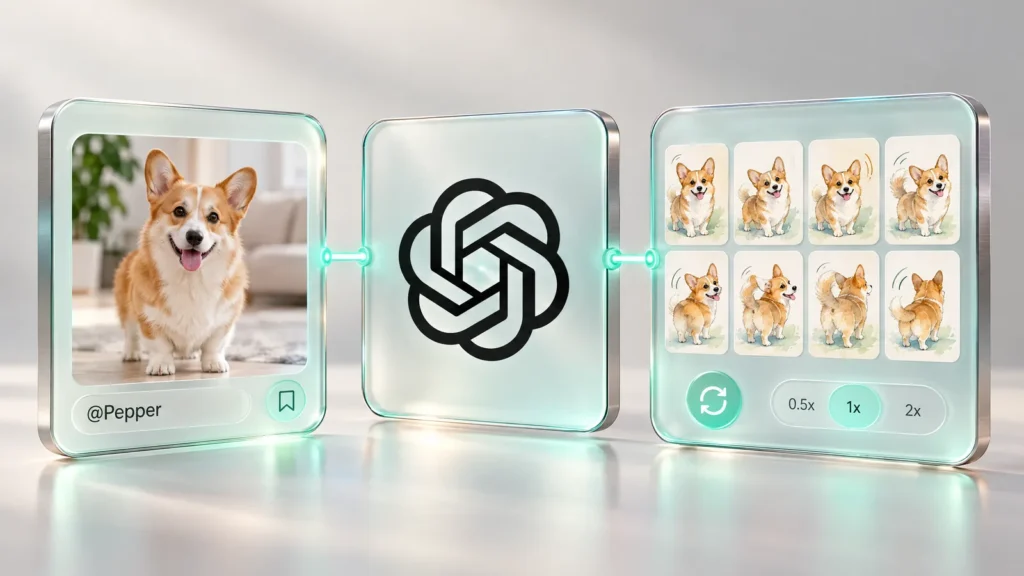
The second new feature removes the need to re-upload the same photo in every chat. According to the help article, you upload a photo and ask ChatGPT to save it as a reference; ChatGPT may also offer to save one when you describe a picture, such as a photo of your dog. You give the reference a name, and in later chats you type @ followed by that name. OpenAI’s example saves a dog photo as “Pepper” and then asks for a watercolor portrait of @Pepper.
Combined with GIFs, this is useful for anyone producing recurring content: save a brand mascot or a product shot once, then generate short loops featuring the same subject across different conversations. The documentation gap is management. As Notebookcheck observed, the help article does not say where saved references live, how to delete them, or how many you can keep. Note also that every image ChatGPT generates is already saved automatically under Images; a saved reference is something different, a named label for a photo you supplied.
Ask for consent before saving photos of other people, especially children. Notebookcheck also notes that OpenAI has not explained how it prevents misuse of GIFs depicting real people, and pairing a saved face with animation makes fabricated scenes easier to produce.
Availability by plan
OpenAI says Images 2.6 reaches every subscription tier, but it publishes no per-plan count for GIFs or images. Here is what the official sources confirm as of November 9, 2026:
| Item | Official status |
|---|---|
| Images 2.6 access | All ChatGPT and Codex tiers; web, desktop, mobile |
| GIF creation | Rolling out in ChatGPT |
| Playback speed, save, share | Available when you open a generated GIF |
| Editing an uploaded animated GIF | Not supported |
| Saved references (@name) | Available; management and deletion undocumented |
| Per-plan GIF limits | Not published |
In practice, free accounts can try GIFs too, but image generation runs on limits separate from text chat, OpenAI says those limits can change, and ChatGPT tells you when you reach one. If you plan to produce images and GIFs regularly, a paid plan’s higher limits are the more predictable option. The related option in our store is below; the package covers what its product page states.
 ChatGPT Plus – 30 Days Ready AccountIn stock Price range: $5.50 through $11.00
For developers: Flare or Sunburst?
On the API side, Images 2.6 arrives as two models. OpenAI’s model page lists the image generation and image edit endpoints as supported, and Chat Completions, Responses and Batch as not supported. Token prices are identical, so the choice is speed versus fidelity:
| gpt-image-2.6-flare | gpt-image-2.6-sunburst | |
|---|---|---|
| Built for | Speed; poster and product layouts | Detail and consistency across edits |
| OpenAI’s claim | As little as six seconds at low quality | More consistent edits at medium or high quality |
| Text input (per 1M tokens) | $5 ($1.25 cached) | $5 ($1.25 cached) |
| Image input (per 1M tokens) | $8 ($2 cached) | $8 ($2 cached) |
| Image output (per 1M tokens) | $30 | $30 |
The release also brings new controls. Image markup, where you draw on the image to mark what should change, moves from ChatGPT to the API; SVG output is new; and a complexity parameter sets how much planning the model does before drawing. OpenAI recommends low complexity for quick edits and medium or high for scenes with many elements or constraints. Budget carefully: OpenAI quotes no flat per-image price, and in one sample shared on the developer forum, 2.6 at medium quality used 1,136 output tokens against 344 for 2.5 at the same setting. That is a single user’s measurement, not an official benchmark, so run a small batch with your own prompts before committing to volume. API usage is billed separately from any ChatGPT subscription.
Checklist before you publish a GIF
- Not in your account yet? Wait; the help article still lists GIF creation as rolling out.
- Commercial use: review logos, product details and on-screen text frame by frame.
- Real people: get consent before saving someone as a reference or animating them.
- Data settings: uploaded photos are part of your chats; whether they can be used for training is governed by ChatGPT’s Data Controls.
Frequently asked questions
How do I make a GIF with ChatGPT?
Ask for a looping GIF and describe what should move, or upload a still image and ask ChatGPT to animate it. Request changes in the same conversation, then open the GIF to adjust playback speed, save it or share it (checked November 9, 2026).
Is the ChatGPT GIF maker free?
OpenAI says Images 2.6 is rolling out to all subscription tiers, including Free. It has not published per-plan GIF limits; image generation uses limits separate from text chat, and ChatGPT notifies you when you hit one.
Why can't I see GIF creation in my account?
GIF creation is being rolled out gradually, and OpenAI's help article still describes it as rolling out. Update the app and check again in a few days.
Can ChatGPT edit a GIF I upload?
No. According to OpenAI's help article, ChatGPT cannot edit animated GIFs you upload; it can only revise GIFs it created. A workaround is to upload one frame as a still image and ask for a new animation.
How do saved reference images work?
Upload a photo, ask ChatGPT to save it as a reference and give it a name. In later chats, type @ plus that name to use the photo without uploading it again. OpenAI has not yet documented where references are managed or how to delete them.
What is the difference between GPT-Image-2.6 Flare and Sunburst?
Flare is tuned for speed and, per OpenAI, can produce an image in as little as six seconds at low quality. Sunburst targets more detail and consistency across edits at medium or high quality. Both charge the same token rates, including $30 per 1M image output tokens.
Sources
- Introducing Images 2.6 — OpenAI, 9 November 2026
- Images in ChatGPT — OpenAI Help Center, 9 November 2026
- ChatGPT — Release Notes — OpenAI Help Center, 9 November 2026
- GPT-Image-2.6 Sunburst Model — OpenAI for Developers, 9 November 2026
- Images, upgraded—introducing ChatGPT Images 2.6 — OpenAI Developer Community, 9 November 2026
- ChatGPT can now make animated GIFs with OpenAI's Images 2.6 — The Next Web, 9 November 2026
- ChatGPT can now make looping GIFs, and you can save reference images for later chats — MIXED, 9 November 2026
- ChatGPT can now make GIFs and save your photos for later chats — Notebookcheck, 9 November 2026