


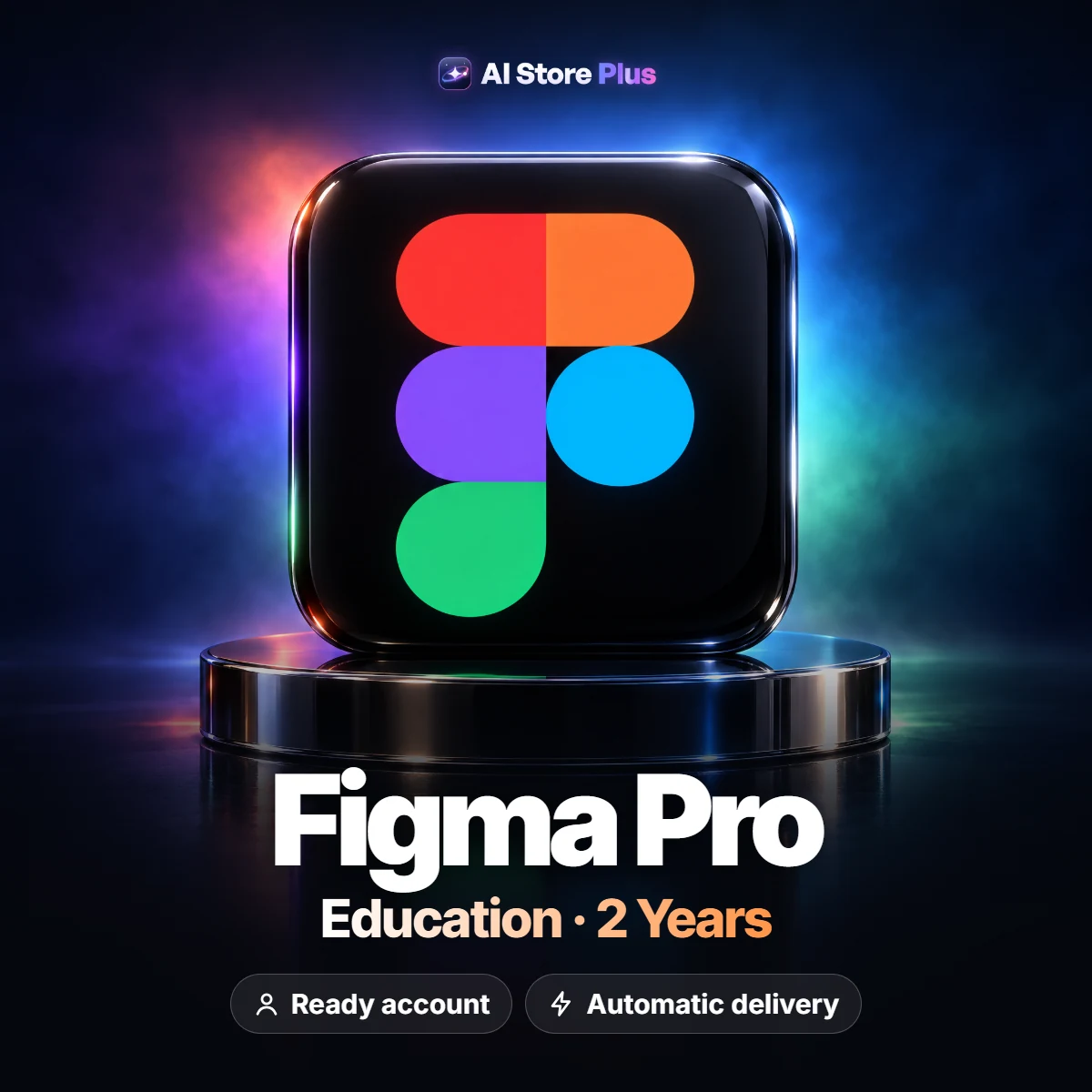



Figma Pro Education 2 Years Ready Account
Design interfaces, build prototypes and co-edit files for two years on Figma Pro Education. Prepared once your payment is confirmed; the account details arrive by email and under My account → Orders.
Duration2 years
DeliveryReady account by email
Monthly credits3,000 AI credits
WarrantyFirst-login guarantee
Figma is a browser-based, collaboration-first tool for designing interfaces, building prototypes and running design systems. This package is a ready-made Figma Pro Education account that lasts two years and includes 3,000 AI credits every month. The linked email address is delivered with it. Prepared once your payment is confirmed; the details arrive by email and under My account → Orders, and the account is not registered to your own email.
What is Figma Pro Education and what is it for?
Figma is a design tool that runs in the browser and is built for teams. Several people can edit one file at once, shared component and style libraries keep a design system consistent, and developers can inspect measurements, colours and CSS without leaving the file. That mix of live collaboration and easy hand-off is why many product teams, agencies and students choose Figma for interface and product design work.
Figma Pro Education is a ready-made account on the Pro plan under Figma’s education programme, valid for two years and topped up with 3,000 AI credits each month. You pay once instead of managing a recurring charge, which makes a Figma Pro price comparison straightforward. The linked email account is delivered with it, and the email address of the Figma account must not be changed. Because it is an education plan, check Figma’s policy before commercial use.
Figma Pro Education, a Figma education plan, suits design students, interface and product designers, freelancers and founders who need to prototype an idea. Prepared once your payment is confirmed, the details arrive by email and under My account → Orders. You sign in at figma.com with the email and password you receive and leave the email address untouched. The account is not registered to your own email, and you are never asked for a password.
Key features
Interface design
Draw web and mobile screens with precise vector tools.
Real-time collaboration
Edit the same file with your team and leave comments.
Prototyping
Link screens with transitions to build clickable prototypes.
Component libraries
Build a design system and share components across files.
3,000 monthly credits
Spent on Figma’s AI features each month.
Developer hand-off
Pass on measurements, colours and CSS details.
What can you do with Figma Pro Education?
Figma Pro Education gives you two years on the Pro plan for interface design, prototyping and team projects. Below you will find the daily workflow, how the monthly AI credits work and the account rules to follow.
Design, prototype and hand off
Figma runs in the browser, so there is nothing to install before you start drawing web and mobile screens. Vector tools, auto layout and components take a rough wireframe all the way to a polished screen inside one file. With Figma Pro Education you can use team libraries and advanced prototyping, linking screens with transitions and interactions to build clickable flows.
Teammates can work in the same file at the same time, leave comments and review changes live. When the design is ready, developers can read measurements, colours and CSS details straight from the file. If you present your work often, an AI presentation tool such as Gamma Ultra pairs well with the screens you produce here.
3,000 AI credits every month
The package includes 3,000 credits each month. They are spent on Figma’s AI features, and Figma Make, which turns a written prompt into an interface or app draft, is one of them. How many credits a feature uses depends on Figma’s current rules, so it helps to run a small test before you start a large job and see how the balance moves.
Because the credits are set per month, plan heavier AI work around that monthly allowance. Anyone weighing up a Figma Pro price against a rolling subscription should note that this package covers a fixed two years for a single payment, with the credits renewed every month during that period.
The account, the linked email and the guarantee
This is a ready-made account that is not registered to your own email. It is prepared once your payment is confirmed, and the details arrive by email and under My account → Orders. The login comes in an email:password format, and the linked email address is delivered with it; both share the same password. If you plan to buy a Figma Pro account, the key rule is simple: never change the email address of the Figma account.
If a verification code is requested, look in the linked mailbox. Under the first-login guarantee, if your first sign-in after delivery does not work, the item is replaced; after a successful sign-in the guarantee ends, so sign in on the day the details arrive. Because this is an education plan, check Figma’s current policy before using it for commercial work.
Who is it for?
- UI/UX design students
- Interface and product designers
- Freelance designers
- Founders building prototypes
What you receive
Figma Pro Education plan for 2 years.
Account details arrive by email and under My account → Orders.
Ready-made account (email:password) delivered with its linked email address.
3,000 AI credits every month.
Never change the email address of the Figma account.
If the first sign-in fails, the item is replaced; the guarantee ends after a successful sign-in.
This package or an official subscription?
| AI Store Plus package This item | Subscription from Figma | |
|---|---|---|
| Payment | One-time payment | Usually a monthly or yearly subscription |
| Duration | 2 years, fixed | Renews until cancelled |
| Account | Ready account + linked email | An account you open with your email |
| Plan | Pro (Education) | Pro (Professional) |
| Guarantee | First-login guarantee | Figma's own terms |
Good to know
Pros
- One payment covers two years
- 3,000 AI credits every month
- The linked email account is delivered too
- Pro features: team libraries and advanced prototyping
Keep in mind
- Never change the email address of the Figma account
- The account is not registered to your own email
- The plan is an education plan
- First-login guarantee: if the first sign-in fails the item is replaced; it ends after a successful sign-in
How it works
Complete your payment
Prepared once your payment is confirmed; the details arrive by email and under My account → Orders.
Check your details
Take the email and password from the delivery email; the Figma and linked email passwords are the same.
Sign in to Figma
Sign in at figma.com and leave the account’s email address unchanged.
Sign-in rules and troubleshooting
- 1Never change the email address of the Figma Pro account, or access to the plan may be lost.
- 2The login arrives as email:password; the Figma account and the linked email account use the same password.
- 3Sign in at figma.com as soon as the details arrive; the first-login guarantee covers only the first sign-in after delivery.
- 4If Figma asks for a verification code, check the linked email mailbox.
- 5Before using the Figma Pro Education plan for client or commercial work, read Figma’s current policy on education plans.
- 6Keep the delivery email, and write to us with your order number if anything goes wrong.
Important: Do not change the email address of the Figma account, or access to the plan may be lost. First-login guarantee: if your first sign-in after delivery does not work, the item is replaced; once you have signed in successfully, the guarantee ends.
📋 Setup and sign-in steps
These steps are also included in your delivery email.
FAQ
What is included with Figma Pro Education?
A ready-made Figma account and its linked email address. Prepared once your payment is confirmed; the details arrive by email and under My account → Orders.
What is the linked email account for?
It is the email linked to the Figma account, and verification codes arrive there. Both accounts share the same password.
Can I change the email of the Figma account?
No. The email address must stay as it is, otherwise access to the plan may be lost.
What are the monthly credits for?
They are used by Figma’s AI features; 3,000 credits are added each month.
Can I use an education plan for client work?
Education plans are intended for learning under Figma’s terms. Check Figma’s current policy before commercial use.
Can I move my files to another account?
Yes, export your files as .fig and import them into another Figma account.
How is this different from buying a Figma education plan directly?
You pay once for two fixed years and receive a ready account that is not registered to your email. A direct plan from Figma has its own renewal terms.
What does the warranty cover?
First-login guarantee: if the first sign-in after delivery does not work, the item is replaced. Once you have signed in successfully, the guarantee ends.
What are the usage notes?
Note: Please do not change the email address on this Figma account.
Figma Pro Education Plan for 2 years.
The Make feature is now available in Opus 4.7.
Get 3,000 credits per month.
What if something goes wrong?
Email us with your order number. We suggest signing in as soon as the details arrive.
You may also like
 Canva Pro Education Panel – 3 YearsEducation-plan design tool
 Adobe Express Premium – 12 MonthsQuick graphics and layouts
 Gamma Ultra – 35,000 Credits, 1 MonthAI presentations
 Autodesk Education Admin Panel – 3 YearsEducation admin panel
You may also like






Reviews
Clear filtersThere are no reviews yet.