
AI Tools Blog
What Is Grok Bot? Plans, Shopping and the Saved-Card Catch

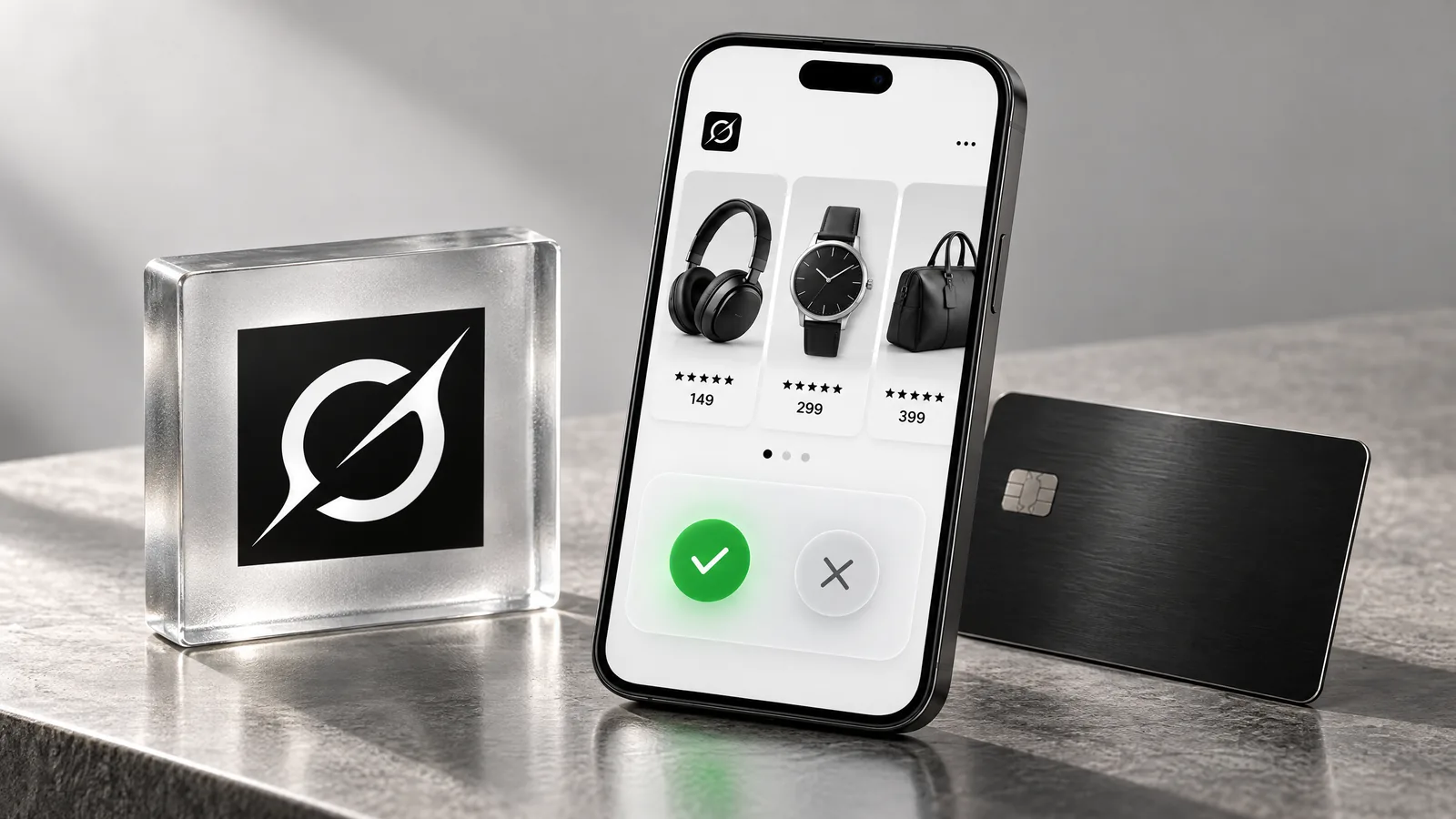
What is Grok Bot? It is SpaceXSI's agent app (the company was previously called xAI): persistent AI teammates that work on a cloud computer with a browser, files and a terminal, and keep going after you close your laptop. Recent releases added shopping, so a Bot can now find a product, place an order and track the delivery. This guide skips the feature tour and answers what you need to decide before signing up: whether you need it instead of plain Grok, what it costs, and how to keep control of your money, because the official docs and the launch coverage do not say the same thing about payment approvals.
- Grok Bot is a separate product from the Grok chat app. You sign in with a Cursor account, and Bots keep working on a persistent cloud computer.
- It is included in The X Subscription's Premium ($30 a month), Super ($100) and Ultra ($200) plans, but not in Free or Plus.
- A recent release added product cards, order tracking, Shop Pay and subscription templates.
- Per the official docs, a card saved in Vault fills at checkout without asking each time, and no setting changes that.
- Link's one-time cards are offered only in the US and Canada, and tagging @bot on X is unavailable in the EU, UK and a few other countries.
Grok Bot vs. Grok: which one do you need?
Grok Bot opened in beta on August 11, 2026. The official docs describe Bots as teammates with a name, a job and context that builds over time. You give one an outcome, and it works across your apps and websites, posts progress and returns when it needs a sign-off. The FAQ is explicit that this is not the same product as the Grok app. Here is the split, as of November 4, 2026:
| Feature | Grok | Grok Bot |
|---|---|---|
| Main job | Answering questions | Running tasks in the background |
| Tools | Chat app | Browser, files, terminal, connected apps |
| Sign-in | Grok account | Cursor account, or Grok for a Grok Business seat |
| Lowest plan | Free (limited) | Premium ($30 a month) |
| Where you reach it | Grok website and apps | Desktop and phone apps, X Chat, tagged X posts, Slack for shared Bots |
If you mostly ask questions and read answers, Grok does that for less. A Bot earns its price when the work has steps: pulling data from several places, filling in a tool, repeating the job every Monday. One limit to know up front is that there is no model picker. Grok Bot chooses the model per task and does not show you which one ran.
What can Grok Bot do?
The official use-case list leans toward office work rather than novelty: reconciling weekly expenses against receipts, researching sales accounts and drafting outreach for review, monitoring ad spend, reproducing bugs in staging, and building a source-linked digest of changes that need your attention.
- Skills and routines: Walk a Bot through a process once, save it as a skill and run it on a schedule or after an event.
- Connected apps: Bots use a connector where one exists and the browser where it does not.
- Several Bots at once: They can run in parallel, message each other and hand off work.
- Phone calls: Elon Musk wrote on October 25 that a Bot can call a person or business for you and send a summary. Tesla North’s report says he did not name the plans or countries, so do not build a process on it yet.
Expect friction, too. The docs warn that sites may block automation and sessions may expire. For single sign-on, passkeys and CAPTCHAs, you take over the cloud computer, finish the step and hand it back.
The new shopping features
SpaceXSI’s Matt Palmer walked through the update in a November 2 video, and the Grok Bot changelog lists it under “Shopping cards and subscription templates.”
- Product cards: Results show a photo, rating, price and store. Three or four results scroll in a carousel.
- Product pages: In-stock options come first, unavailable ones are disabled, and Buy now starts an order you approve.
- Order tracking: The Bot follows placed orders and tells you when they ship or arrive.
- Shop Pay: You connect it in the Vault’s Payments tab and can make it the method Bots try first.
- Subscription templates: One starts a free trial and cancels or reminds you before billing, one finds unused subscriptions, and one watches renewal prices. The changelog says Bots confirm before changing anything.
Grok Bot Vault: the saved-card catch
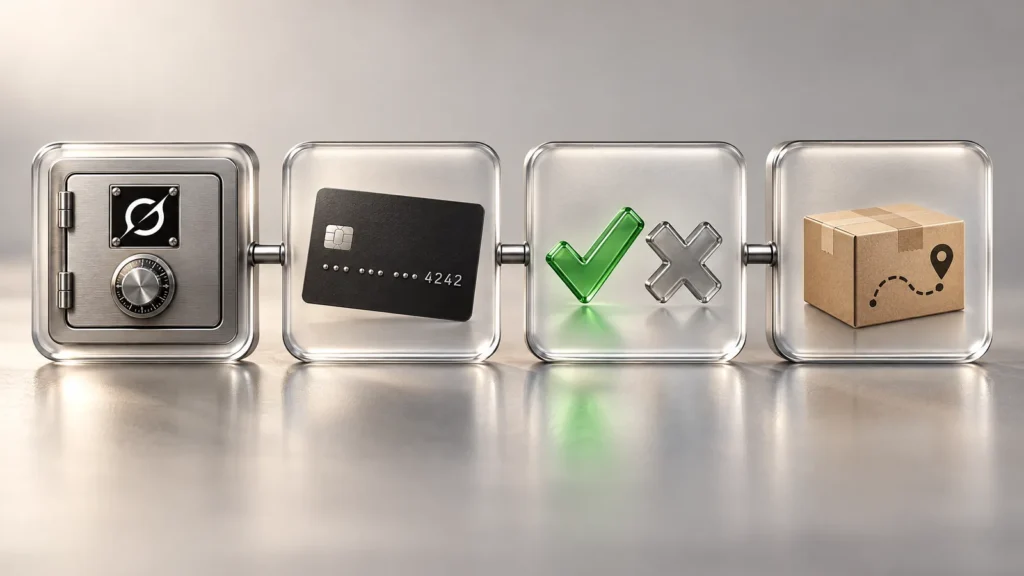
Vault stores logins, cards and contact details. Passwords, card numbers and security codes are filled in by reference, so the model never receives them. That protects the number. It does not limit the spending.
Coverage of the November update says the Bot still waits for approval on each purchase. The Vault documentation says otherwise for saved cards: they fill in at checkout without asking each time. Cursor’s help page is blunter, stating that no setting requires your approval each time a saved card is used. We treat the help pages as the authority here. Our reading is that the approval on Buy now and the card filling in at a checkout page are separate things, so do not rely on a single approval screen.
- Use the method built for approval, if you can. In the US and Canada, Link one-time cards show the merchant, items and total on an approval card, and nothing is charged if you decline or the request expires.
- Otherwise, do not save the card. On a Secure Form, leave Securely save to Bot’s vault unchecked and the card lasts only for that chat. A form without that checkbox saves straight to Vault, so do not submit it.
- If you do save one, cap the damage. Use a virtual or low-limit card if your bank offers one. Everything in Vault is available to every Bot on the account, and you cannot restrict an item to one Bot.
- Add an Ask first rule. On desktop, go to Settings > General > Bot, then Custom Rules. Describe the action in plain words, such as “making a payment,” and choose Ask first. Treat this as an extra layer, not a replacement for the steps above.
- Stay logged out of shopping sites. The official Grok Bot 101 guide warns that a Bot on a computer logged in to a store can technically buy anything. All your Bots share one computer and its sessions.
Keep cards and passwords out of Vault on any account you share or do not fully own. Saved items become usable by every Bot on that account.
Outside content is the other risk. SpaceXSI’s security page says web pages and app results can try to steer a Bot. Auto-review is on by default and checks risky actions, but the page says these controls reduce risk without eliminating it, and Auto-review does not catch every side effect. Keep consequential actions behind approval. Approval cards raised by routines expire after about 30 minutes, and the action then does not run.
Grok Bot pricing and usage limits
There is no separate subscription. These are SpaceXSI’s list prices, before sales tax, checked November 4, 2026:
| Plan | Monthly | Annual | Grok Bot | Usage |
|---|---|---|---|---|
| Free | $0 | $0 | No | Limited |
| Plus | $8 | $80 | No | 1x |
| Premium | $30 | $300 | Yes | 4x |
| Super | $100 | $1,000 | Yes | 15x |
| Ultra | $200 | $2,000 | Yes | 50x |
Legacy paid Cursor plans (Pro, Pro+, Ultra and Teams) also include it. SuperGrok, SuperGrok Plus, SuperGrok Heavy and X Premium+ can be linked to a Cursor account, but SuperGrok Lite cannot, and you cannot undo a link yourself. Some accounts see Start Trial, a usage credit with a seven-day window that never converts to a paid plan. An App Store trial is different: it becomes a paid Apple subscription unless you cancel.
Budget for usage as well as price. Bots draw from the same weekly pool as Cursor and the Grok apps. On November 1, Musk wrote that serving Grok Bot had been unsustainably costly relative to revenue, and Tesla North reports users whose weekly meter suddenly jumped to full mid-week. We found no formal SpaceXSI statement or reset announcement. Auto Top-up is off unless you enable it. If you use extra credit, set a monthly limit at Additional usage credits on grok.com/dashboard. That cap covers usage fees, not store purchases, and a running task can pass it slightly. Check Settings > Usage & Billing in the app while you learn what your tasks cost.
 Grok Premium + Cursor – 1 MonthIn stock$11.50
The contents and terms of the store’s Grok package are as listed on its product page; the plans that include Grok Bot are in the table above.
Regional limits and data location
- Tagging @bot on X: It does not work for accounts based in Australia, the UK, the EU, Iceland, Liechtenstein or Norway. The country on your X account decides this, so your location and a VPN make no difference.
- Payment methods: The official pages we reviewed list no countries for Shop Pay or X Money. Test with a small purchase before you depend on one.
- Data location: Bot computers run in the United States and keep files and browser sessions on a durable disk. Check your company’s data rules before you upload customer records.
- Privacy settings: Training opt-out follows your Cursor privacy settings, and Legacy Privacy Mode is not supported.
- Languages and devices: The desktop app supports 37 languages and the phone app 12. It runs on macOS, Windows, Linux, iOS 18 and later, iPadOS 18 and later, and Android 9 and later.
A sensible way to start
The official getting-started guide suggests a five-minute test: attach a document, ask for a five-bullet summary with cited sections, and tell the Bot not to change the source file. Do that first. Next, try a recurring job with a clear end point, like a weekly report, and watch how much of your pool it uses. Use shopping for research on price and stock, and finish the payment yourself until you trust how the Bot behaves. If you only want answers to questions, stay with Grok; $30 a month buys you nothing you would use.
Frequently asked questions
Is Grok Bot free?
No. It is not included in the Free or Plus plans, and the lowest X Subscription option is Premium at $30 a month. Some accounts see a trial, which is a usage credit with a seven-day window that never converts to a paid plan (checked November 4, 2026).
Can Grok Bot see my card number?
No. Card numbers and security codes are filled in by reference, so the model does not receive them. The Bot can still use a saved card, and the official docs say a saved card fills at checkout without asking each time.
How do I approve every Grok Bot payment?
Do not save the card. On a Secure Form, leave Securely save to Bot's vault unchecked so the card lasts only for that chat. In the US and Canada, Link one-time cards also require approval for each purchase. An Ask first rule adds another layer.
Is Grok Bot the same as Grok?
No. The official FAQ calls them separate products. Grok is mainly for answering questions, while Grok Bot runs tasks in the background on a cloud computer, using tools, websites and files. It also signs in with a Cursor account.
Does tagging @bot on X work everywhere?
No. It is unavailable for X accounts based in Australia, the UK, the EU, Iceland, Liechtenstein and Norway, and for accounts where X lists only a broad region or no country. A VPN does not change this.
Can I choose which AI model Grok Bot uses?
No. There is no model picker. Grok Bot selects a first-party or third-party model for each task, and the choice can change from request to request. It does not display which model handled a request.
Sources
- Grok Bot overview — SpaceXSI Docs, 4 November 2026
- Grok Bot FAQ — SpaceXSI Docs, 4 November 2026
- Vault and secure sign-in — SpaceXSI Docs, 4 November 2026
- Grok Bot security — SpaceXSI Docs, 4 November 2026
- Tag @bot on X — SpaceXSI Docs, 4 November 2026
- Pricing – The X Subscription — SpaceXSI Docs, 4 November 2026
- Grok Bot Changelog — SpaceXSI, 4 November 2026
- Store secrets securely — Cursor Help, 4 November 2026
- Approvals and Auto-review — Cursor Help, 4 November 2026
- Grok Bot 101 — SpaceXSI, 4 November 2026
- Grok Bot Update Adds Shopping, Payments and Team Bots in 9 Upgrades — Tesla North, 4 November 2026
- Users Say Grok Bot Usage Jumped to 100% Mid-Week, Not at Reset — Tesla North, 4 November 2026
- Elon Musk Says Grok Bot Will Phone Businesses and Report Back to You — Tesla North, 4 November 2026