




AI Tools Blog
Notion 3.8: Notion MCP, Skills and Your ChatGPT Plan
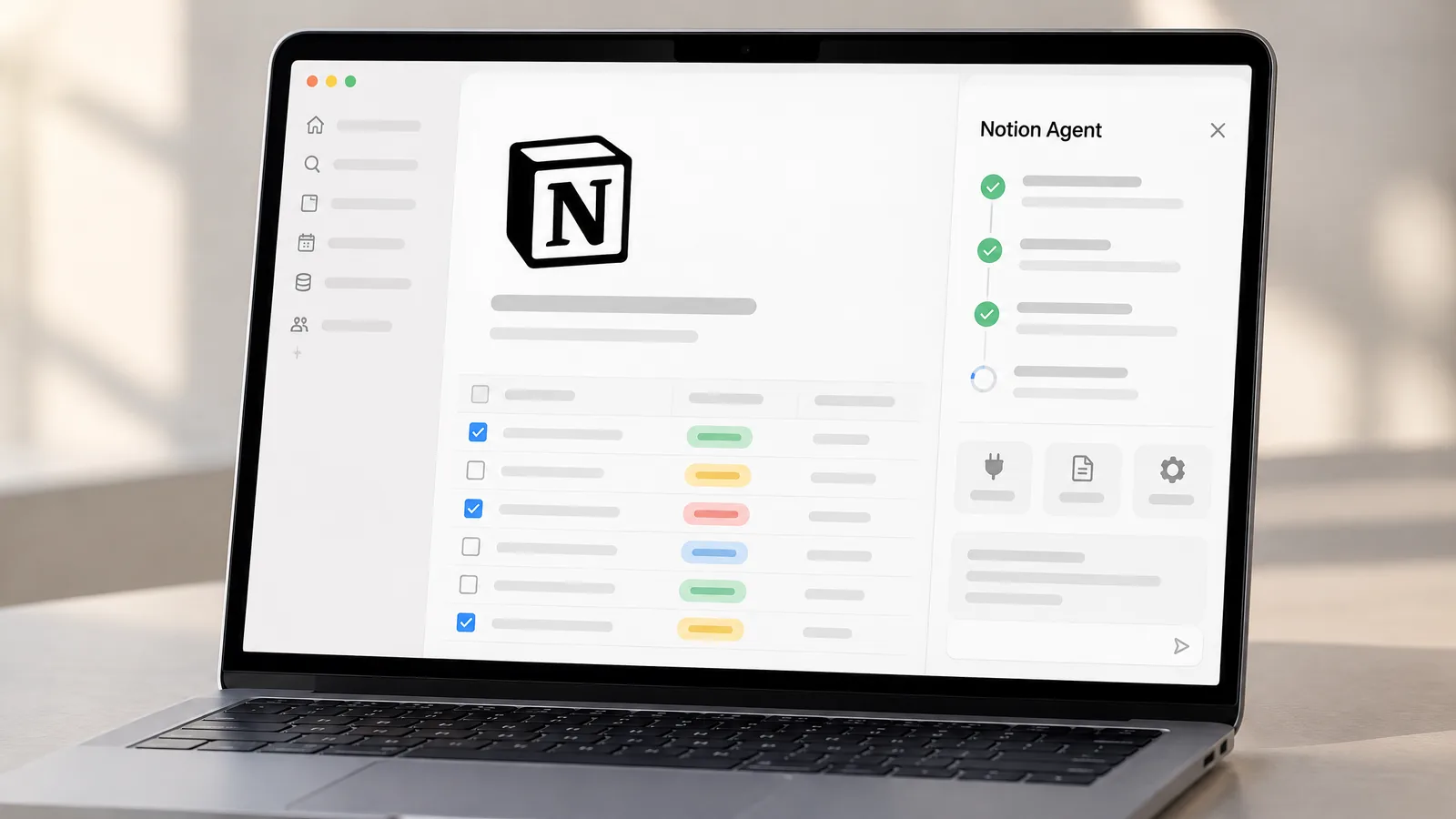
Notion MCP is the official way for AI assistants such as Claude, ChatGPT and Cursor to read and update your Notion workspace, and Notion 3.8, released on October 13, 2026, is built around it. Admins can now see which tools are connected and revoke one person's access, Notion's own agents can reach more than 150 tools, and on Business workspaces a ChatGPT subscription can pay for your AI usage in Notion.
- Notion MCP connects tools like Claude, ChatGPT and Cursor over OAuth; a connected tool acts with your full Notion permissions.
- Notion Agent and Custom Agents can reach 150+ tools through MCP; Custom Agents cost $10 per 1,000 monthly credits after a free trial.
- A ChatGPT Plus, Pro or Go plan can cover Notion Agent usage, but only on Business and Enterprise workspaces.
- Version history now covers databases, and column permissions and rebuilt synced databases arrive in the same release.
What is in Notion 3.8
Notion shipped version 3.8 on October 13, 2026 under the name “Context for your agents”. The pitch is simple: whichever AI tool or model you prefer, your notes, docs and trackers stay in Notion and the tools come to them. The release notes list nine changes:
- MCP-compatible agents can connect to your workspace, with new admin controls over those connections.
- Notion Agent and Custom Agents can reach more than 150 tools through MCP.
- Skills can be written once and synced to other agents with a new Skills API.
- Version history now covers databases as well as pages.
- A ChatGPT subscription can pay for your AI usage in Notion.
- Database owners can set column-level permissions.
- Synced databases were rebuilt, starting with GitHub, Jira and Salesforce.
- Seven new models were added.
- Connections settings were redesigned, and Notion notifications now reach Microsoft Teams.
Below we go through what each change does, which plan it needs and how to set it up. Everything here comes from Notion’s release notes, help center, developer docs and pricing page, checked on October 14, 2026.
What is Notion MCP?
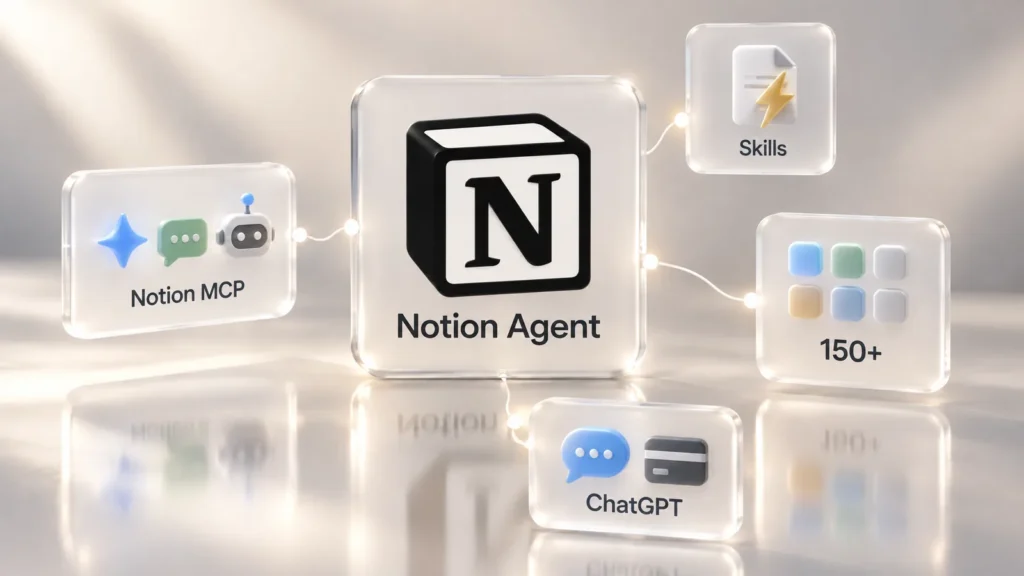
MCP, the Model Context Protocol, is an open standard for connecting AI apps to outside data and tools. Notion MCP is a remote MCP server hosted by Notion. Once an assistant such as Claude, ChatGPT or Cursor is connected, it can read your pages, create new ones and update existing ones. Notion’s help center calls it a real-time bridge between AI assistants and your workspace, built for agents rather than for traditional integrations.
What 3.8 adds is governance. According to the release notes, admins can now see who connected each AI tool and when it was last used, and revoke one person’s access without breaking anyone else’s connection. Claude, Muse, GrokBots and Dot are named as example agents.
MCP does not bypass Notion permissions, but a connected tool acts with your full permissions. Anything you can open, the tool can open too. Notion suggests starting with personal pages and giving pages descriptive titles so assistants understand your structure.
How to set up the Notion MCP server
Notion’s developer guide uses OAuth for every connection, so there is no API key or password to paste. The recommended endpoint is https://mcp.notion.com/mcp over Streamable HTTP, with an SSE fallback and an mcp-remote option for clients that only run local servers.
- Open the MCP or connectors settings in your AI app. Notion’s MCP Gallery offers one-click setup for popular apps.
- For a manual setup, add https://mcp.notion.com/mcp as a remote server. In Claude Code it is one command: claude mcp add –transport http notion https://mcp.notion.com/mcp.
- Sign in to Notion in the window that opens, pick the workspace and approve access.
- Test it with a small job, such as summarising a meeting-notes page or adding a row to a task database.
The developer docs do not list a plan requirement for using Notion MCP itself. Admin tools such as an approved-apps list, identity-provider managed connections and “Disconnect All Users” are Enterprise features, according to the help center.
Notion’s own agents now reach 150+ tools
MCP works in the other direction too. Notion Agent and Custom Agents can now pull context from more than 150 connected tools and take actions in them. The release notes give practical examples: an account brief built from HubSpot pipeline data, Stripe billing details added to a customer health review, and Cloudflare infrastructure details brought into a postmortem.
Custom Agents are Notion’s autonomous, shareable agents, and they run on Notion credits. The pricing page says they are free to try, then cost $10 per 1,000 monthly Notion credits.
Skills: write once, use with every agent
A Skill is a Notion page with instructions for a repeatable workflow, such as how to fill in your weekly report or how to answer a certain type of customer email. The agent follows it the same way each time you ask.
The news in 3.8 is portability. The new Skills API syncs Skills from Notion to ChatGPT, Claude and other tools, and can load them into GitHub. You can also ask an agent to recreate Skills you already keep elsewhere inside Notion via MCP. Per the developer docs, the Skills API has to be enabled for the workspace, and signed download links expire after one hour.
Using your ChatGPT plan in Notion
This is the change most people will notice: if you already pay for ChatGPT, that subscription can cover your AI usage in Notion, and Notion says it adds no markup. The conditions are tight, though:
- The workspace must be on Business or Enterprise.
- You must be a workspace member; guests cannot use it.
- The help center lists ChatGPT Plus, Pro or Go, and each person connects their own account.
- It works with Notion Agent only, not with Custom Agents.
Connect it from Settings → Notion AI → Usage, or from “Connect ChatGPT plan” in Notion Agent’s model picker. Picking a specific GPT model bills your ChatGPT plan; Auto or any non-GPT model uses the workspace’s Notion credits. If you hit your ChatGPT limit, Notion Agent offers to continue on Notion credits and switches back once your ChatGPT allowance resets.
Notion says these conversations are not saved to your ChatGPT history or memory; the link is used only for billing and usage attribution. Admins see connect and disconnect events in audit logs, not how much each person uses.
Version history, column permissions and synced databases
Some of the most useful changes in 3.8 are not about AI at all:
- Version history now covers databases as well as pages, with highlighted edits and attribution to the person or agent who made each change, plus one-click restore. Once agents start writing to your workspace, that audit trail matters.
- Column permissions let a database owner decide which properties each person or agent can view or edit. Notion’s example is a recruiting team hiding compensation data.
- Synced databases were rebuilt for GitHub, Jira and Salesforce, with a live health status per sync. They behave like regular databases, so you can add properties, views and automations.
- New models: seven were added, including GPT 6.1-Sol, GPT-6 Luna, Opus 5.5 and Sonnet 5.5, and Notion published a Knowledge Board comparing models on knowledge-work tasks.
The release notes only state a plan requirement for the ChatGPT feature. How far page history goes back does depend on your plan: 30 days on Plus and 90 days on Business, per the pricing page.
Which Notion plan do you need?
Most of Notion’s AI features now sit in the Business plan. This summary comes from Notion’s pricing page (checked October 14, 2026; prices are per member per month in US dollars, with up to 20 percent off for yearly billing):
| Feature | Free | Plus | Business |
|---|---|---|---|
| Price | $0 | $10 | $20 |
| Notion AI | Trial | Trial | Included |
| Notion Agent and AI Meeting Notes | Limited trial | Limited trial | Included |
| Use your ChatGPT plan | No | No | Yes |
| App connections | Notion Calendar only | Basic (Slack, Google Drive) | Premium (GitHub, Asana) |
If you only use Notion for notes and projects, Plus covers it. If you want the agent features from 3.8, the ChatGPT plan link or premium connections, you need Business.
A year of Notion Business on your own account
The Notion Business 12-month coupon code in our store puts the Business plan, Notion AI included, on your own workspace for 12 months. There is no shared or ready-made account: a single-use code and instructions arrive by email, and we never ask for your password. The code is the brand’s official promotional code and covers one member.
Redeem the code within 7 days of delivery. Under Notion’s offer terms, you must be the owner and only member of the workspace, and it must never have been on a paid plan. Record your screen from opening the code until activation is complete; coverage runs until activation.
Frequently asked questions
Is Notion MCP free to use?
Notion's developer docs do not list a plan requirement for Notion MCP itself; you connect with OAuth. Admin controls such as an approved-apps list are on Enterprise, and Notion's own full AI features are on Business and Enterprise.
What is the Notion MCP server URL?
The recommended endpoint is https://mcp.notion.com/mcp over Streamable HTTP. Notion also documents an SSE endpoint and an mcp-remote option for clients that cannot connect to remote servers directly.
Which apps work with Notion MCP?
Notion's help center names Claude, ChatGPT and Cursor, and says any app that supports the Model Context Protocol can connect. The developer docs include setup steps for Claude Code, Codex, Cursor and VS Code.
Can my ChatGPT subscription pay for Notion AI?
Only if your workspace is on Business or Enterprise. Connect your ChatGPT Plus, Pro or Go account, then pick a specific GPT model in Notion Agent and usage counts against your ChatGPT plan. Auto or non-GPT models use the workspace's Notion credits.
Can a connected AI tool see all my pages?
MCP does not bypass Notion permissions, but the tool acts as you, so it can open anything you can open. Keeping sensitive data in a separate teamspace and testing with personal pages first is a sensible start.
Does the Notion Business coupon work on an existing team workspace?
No. Under the offer terms you must be the owner and only member of the workspace, and it must never have been on a paid plan.
Sources
- Notion 3.8: Context for your agents (release notes) — Notion, 14 October 2026
- Notion MCP — Notion Help Center, 14 October 2026
- Get started with Notion MCP — Notion Developers, 14 October 2026
- Use your ChatGPT plan with Notion Agent — Notion Help Center, 14 October 2026
- Use Notion Skills with MCP — Notion Developers, 14 October 2026
- Notion pricing and plans — Notion, 14 October 2026


