


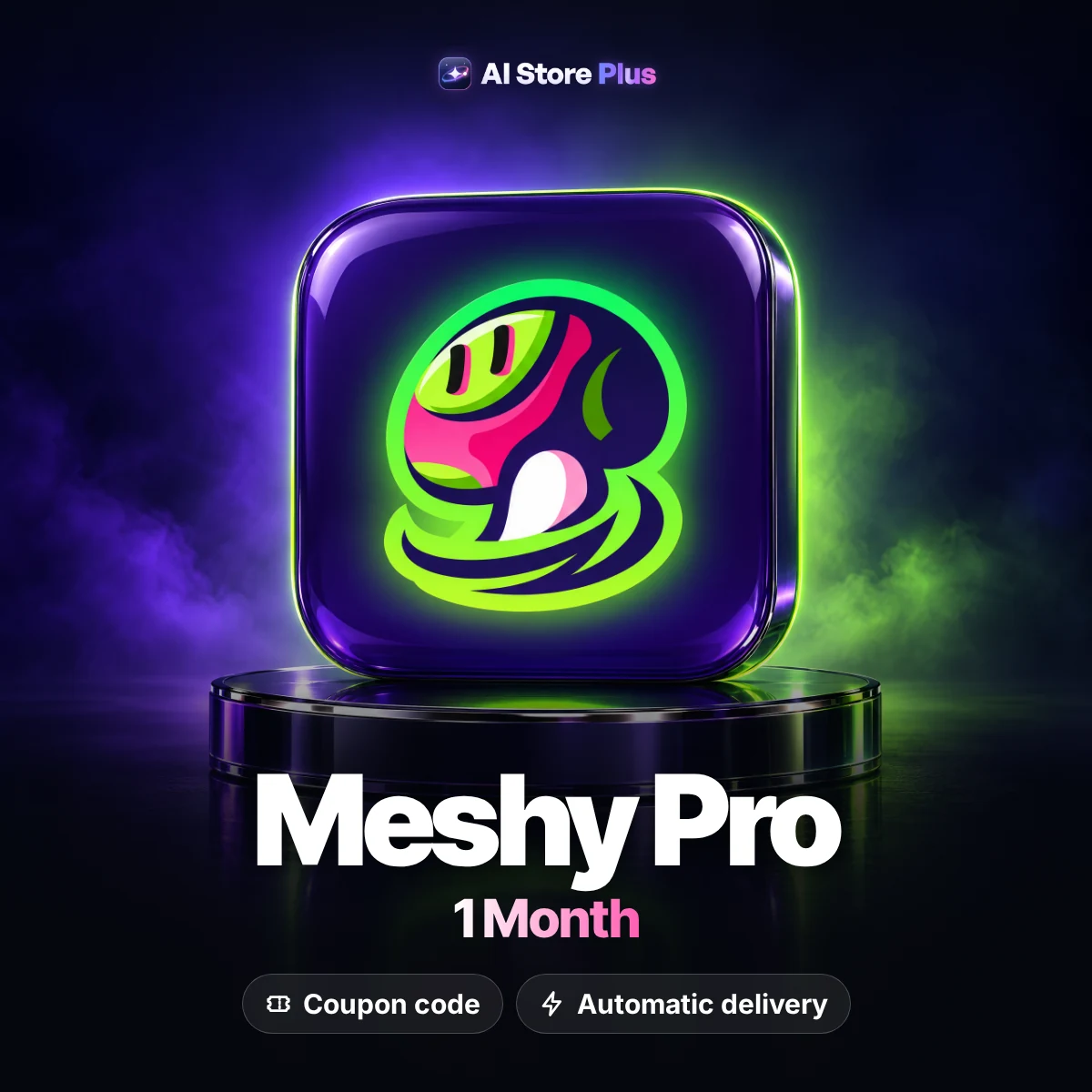



Meshy Pro 1 Month Coupon Code
Meshy Pro lets you turn text and images into 3D models. The 1-month coupon code is redeemed on your own account, and the code arrives by email once your payment is confirmed.
Duration1 month
DeliveryCoupon code
PlanMeshy Pro
WarrantyFirst-activation guarantee
Meshy is an AI platform that generates 3D models from text prompts and images. This package is a 1-month Meshy Pro coupon code that you redeem on your own Meshy account. No account is handed over: you enter the code in the Redeem Code field at meshy.ai to activate the plan. The code is prepared once your payment is confirmed, and it arrives by email and under My account → Orders. It suits game developers, 3D artists and anyone who wants to try Meshy Pro.
What is Meshy Pro and what is it for?
Meshy is an AI-based tool that turns a written prompt or an uploaded image into a 3D model. Creators use it to rough out game assets, product mockups, figures and scene props, getting a first draft of the model much faster than modelling from scratch. Textures and surface looks can be worked on afterwards, and results can be taken into common 3D applications and game engines. That makes Meshy a practical entry point for people with limited 3D experience as well as a time-saver for professionals.
Meshy Pro is one of the paid plans that go beyond Meshy’s free usage. The package on this page is a Meshy Pro coupon: we don’t state credit amounts, model counts or queue priority here, because those details can change with the platform’s current terms. The term is 1 month. The plan becomes active when you redeem the code on your own account, each account can take only 1 code, and the code must be used within 24 hours of purchase.
This package is aimed at game developers, 3D artists, product designers, content creators and anyone curious about AI-generated 3D. Delivery is a code: it is prepared once your payment is confirmed, and it arrives by email and under My account → Orders. You enter it at meshy.ai after signing in, using the gift icon in the bottom-left sidebar. Because the Meshy Pro code has to be used promptly, it is wise to set up your Meshy account before you order.
Key features
Text to 3D
Turn a written prompt into a 3D model draft with AI.
Image to 3D
Upload an image and generate a 3D model draft from it.
Textures and looks
Work on textures and surface appearance for your models.
Ready for other tools
Take results into 3D applications and game engines.
Code activation
Enter the code in the Redeem Code field of your own account.
First-activation guarantee
A new code is provided if it fails at the first activation.
What can you do with Meshy Pro?
This section walks through the text-to-3D and image-to-3D workflow, what the code covers, and the rules to keep in mind when you redeem it. The aim is simple: you should know what to expect before you use the code.
Turning text and images into 3D models
The core Meshy workflow is straightforward: you write a text prompt or upload an image, and the AI builds a matching 3D model draft. With Meshy Pro on your own account you can try that loop for a character, a prop or a product mockup and see a first shape quickly. The clearer your description, the more consistent the result, so it helps to mention material, style and pose up front.
A generated draft is a starting point rather than a finished asset. Many creators bring the model into a game engine or a 3D application to refine it, and some prepare it for 3D printing. You can also feed Meshy concept art made with image tools such as OpenArt Essential, which shortens the road from idea to model and gives the first attempt a much sharper reference.
What the Meshy Pro coupon code covers
This package is a Meshy coupon code that unlocks the Meshy Pro plan for 1 month. A Meshy coupon code works on your own account: the plan is applied when you redeem the code, so you need a Meshy account first. We don’t list credit amounts, model options or queue priority here, because those details depend on the platform’s current terms. Check the plan page inside your account for the latest numbers.
If you are comparing Meshy Pro price against a direct subscription, keep one thing in mind: this is not a ready-made account. You receive a 1-month code and activate it yourself, and each account can take only 1 code. When the month ends you can pick a new code or one of Meshy’s own plans. For anything about a regular Meshy subscription, the platform’s own pages are the source of truth.
Redeeming the code and the 24-hour rule
Redeeming takes four steps: go to meshy.ai and sign in or sign up, click the gift icon in the bottom-left sidebar, type your code into the Redeem Code field, and press Redeem to activate the plan. You never need to send us a password at any point. To avoid typos, copy the code from your delivery email and paste it into the field.
The most important rule is timing: the code has to be redeemed within 24 hours of purchase, so the safest habit is to activate it the day it arrives. Only 1 code can be used per account, so don’t try to add a second one to the same account. The first-activation guarantee means that if the code fails at the first activation we send a new one; once activation succeeds, the guarantee ends. After that, Meshy Pro is ready for your projects.
Who is it for?
- Game developers and indie studios
- 3D artists and product designers
- Content creators and social media teams
- Anyone testing AI-generated 3D models
- Makers who need quick drafts for 3D printing
What you receive
Meshy Pro plan, valid for 1 month.
Delivered as a coupon code; no ready-made account is provided.
The code arrives by email and under My account → Orders.
Redeemed on your own Meshy account in the Redeem Code field.
Use the code within 24 hours of purchase.
First-activation guarantee: a new code if it fails at first activation.
This code or a direct subscription?
| AI Store Plus package This item | Subscription from Meshy | |
|---|---|---|
| Payment | One-time, in USD | Usually a monthly or yearly subscription |
| Delivery | Coupon code, by email | Subscription on your own account |
| Account | Redeemed on your own Meshy account | Set up on your own account |
| Term | 1 month, redeem within 24 hours | The billing period you choose |
| Warranty | First-activation guarantee | The platform's own refund terms |
Good to know
Pros
- One-time payment in USD
- The code arrives by email and in your account
- Redeemed on your own Meshy account
- First-activation guarantee
Keep in mind
- It is not a ready-made account; you redeem the code on your own Meshy account.
- The code must be redeemed within 24 hours of purchase.
- Each account can take only 1 code.
- The guarantee covers the first activation only and ends after a successful one.
How it works
Complete your payment
Once payment is confirmed the code is prepared; we never ask you for a password at any stage.
The code arrives by email
The code arrives by email and under My account → Orders.
Redeem it on Meshy
Sign in at meshy.ai, click the gift icon at bottom left, enter the code in Redeem Code and press Redeem.
Sign-in rules and troubleshooting
- 1Redeem the code within 24 hours of purchase; the safest option is to activate it the day it arrives.
- 2Each Meshy account accepts only 1 code, so don’t try to add a second code to the same account.
- 3Sign in or sign up at meshy.ai first; the gift icon sits in the bottom-left sidebar.
- 4Copy and paste the code from your email so a typo doesn’t get in the way of activation.
- 5Keep the delivery email; the code is also stored under My account → Orders.
- 6If the code fails at the first activation, email us with your order number and we will send a new one.
Important: Redeem the code on your own account within 24 hours of purchase, without delay; only 1 code can be used per account. The first-activation guarantee ends after a successful activation.
FAQ
How is the Meshy Pro coupon code delivered?
It is prepared once your payment is confirmed; the code arrives by email and under My account → Orders.
What is included in the package?
A 1-month Meshy Pro coupon code that you redeem on your own Meshy account. No ready-made account is provided; for details such as credits, please check Meshy’s current plan terms.
Do I get a Meshy subscription or an account?
Neither. You receive a Meshy redeem code and activate it on your own account. We never ask you for a password.
How do I use the Meshy redeem code?
Sign in or sign up at meshy.ai, click the gift icon in the bottom-left sidebar, type the code into the Redeem Code field and click Redeem.
How long do I have to redeem the code?
The code must be redeemed within 24 hours of purchase. To stay safe, activate it as soon as it arrives.
Can I add more than one code to the same account?
No, each account can take only 1 code. If you hold several codes, each one needs its own Meshy account.
Is this a good fit if I'm checking the Meshy Pro price?
It can be if you want to try Meshy Pro for 1 month with a one-time payment. If you need a long-term plan, compare it with Meshy’s own plans too.
What does the warranty cover?
First-activation guarantee: if the code, link or key doesn’t work when you first activate it, we send a new one. Once it has been activated successfully, the guarantee ends.
What are the usage notes?
🚀 HOW TO REDEEM
🌐 Go to https://meshy.ai and log in or sign up.
🎁 Click the Gift icon in the bottom-left sidebar.
🔑 Enter your code in the Redeem Code field.
✅ Click Redeem to activate your code.
⚠️ IMPORTANT RULES
🔐 You can use only 1 code per account.
⏳ Redeem your code within 24 hours of purchase.
🚨 Use your code right away to avoid problems.
✅ Follow the steps carefully for a smooth activation!
What if something goes wrong?
Email us with your order number.
You may also like
 Kling AI Standard – 660 Credits, 1 MonthAI video generation
 Runway Pro – 2,250 CreditsVideo and image creation
 OpenArt Essential – 4,000 Credits, 1 MonthImage and video generation
 CapCut Pro – 1 Month Ready AccountVideo editing tool
All Video & Image Generation products →
You may also like




Reviews
Clear filtersThere are no reviews yet.